Houdini Work
A simple script or tool can save an entire team countless hours.
I’m tech-minded and always looking for ways to streamline, automate, integrate, and collaborate better.
Languages
3D Short Pipeline
Thanks to the power of LOPs and USD, I’ve been able to streamline and improve my personal production pipeline.

Project Overview
I’m currently working on a 3D short film based around character animation.

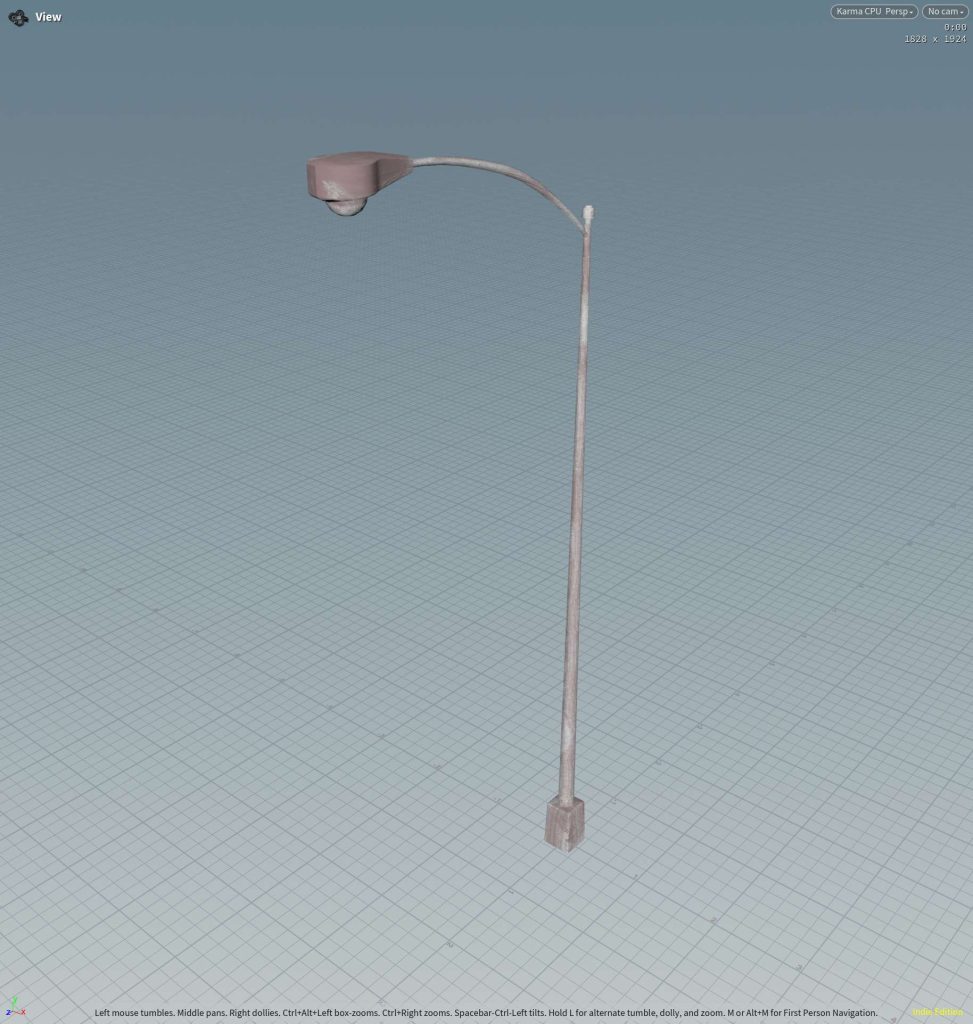
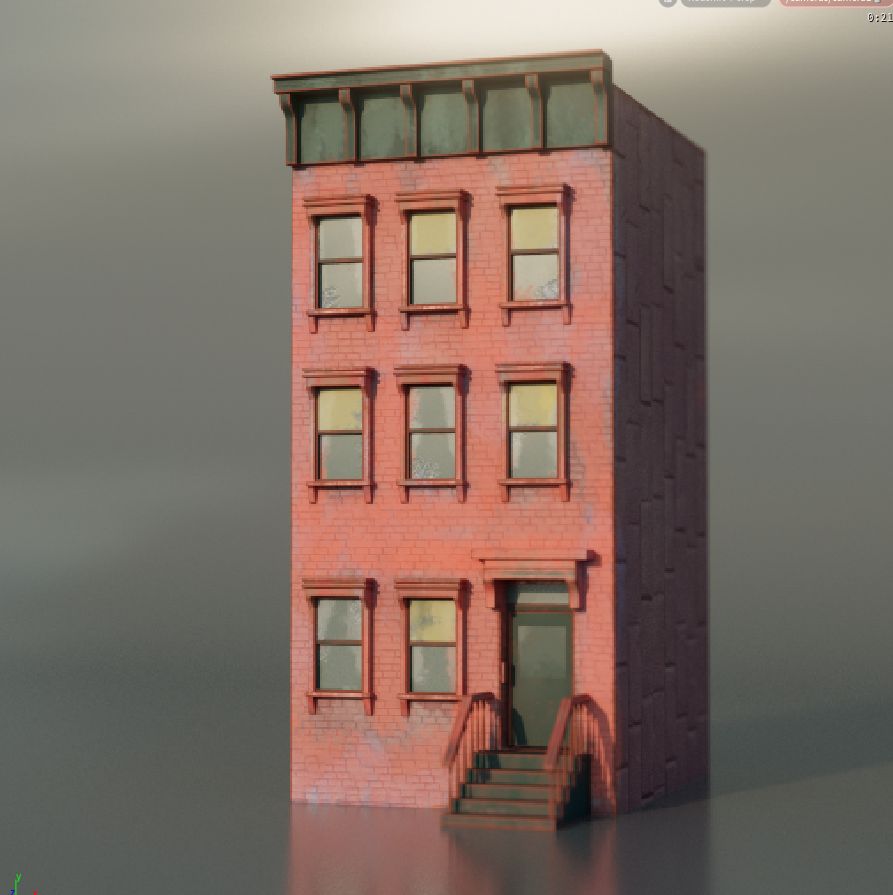
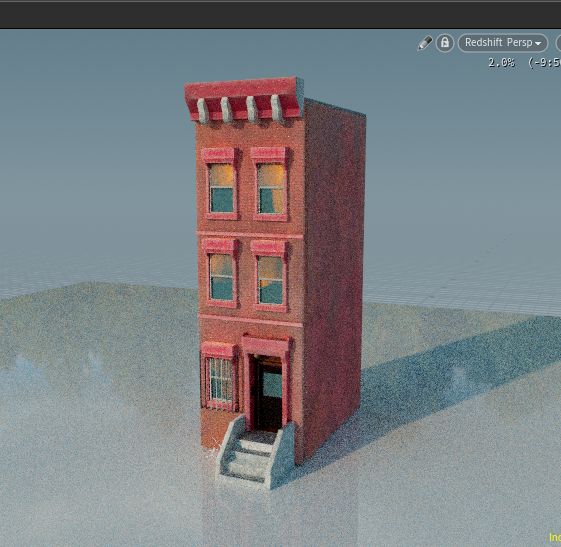
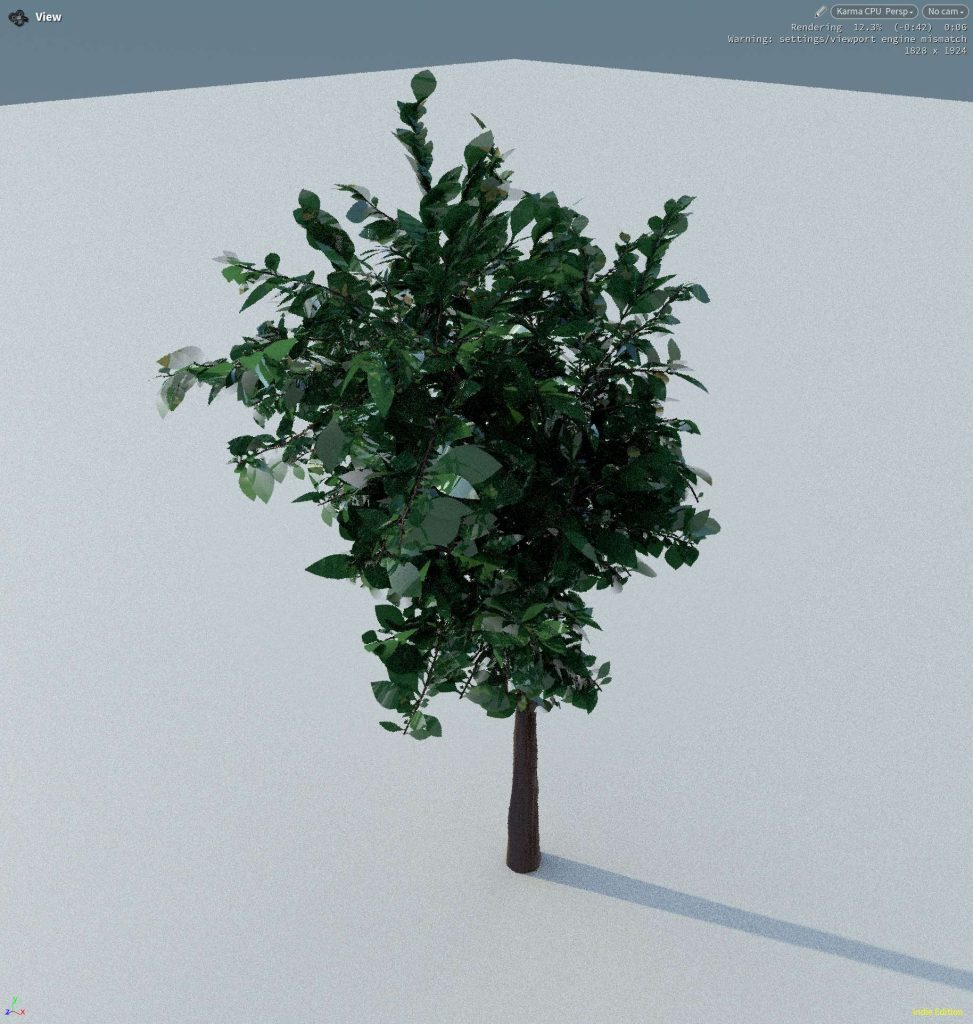
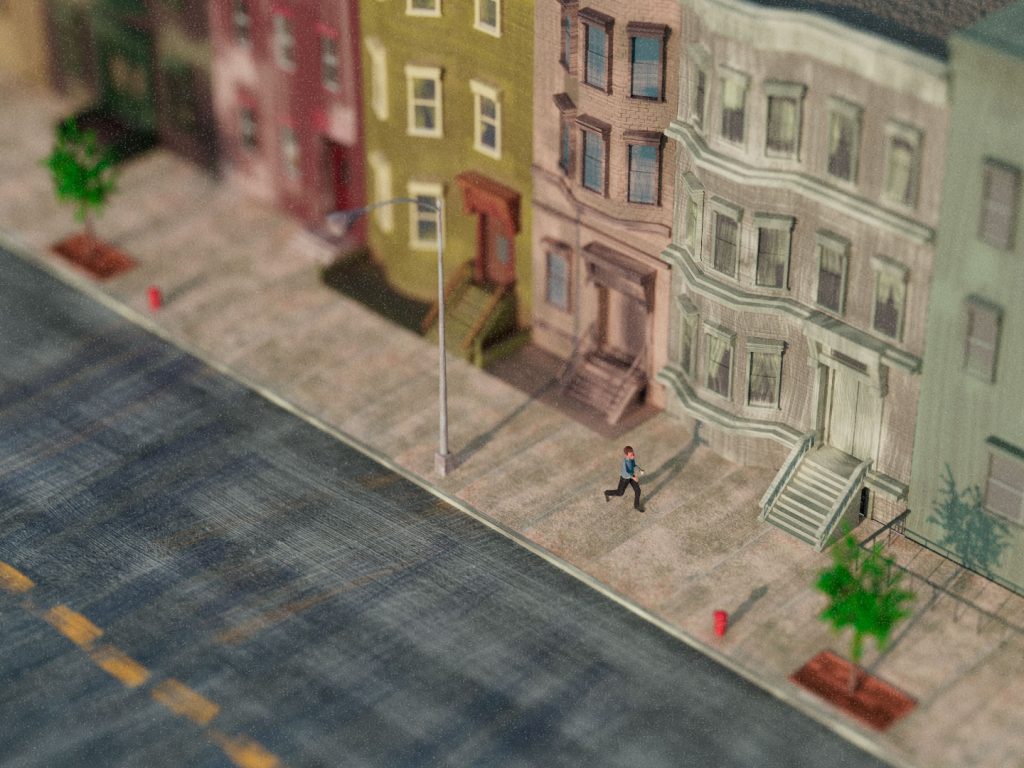
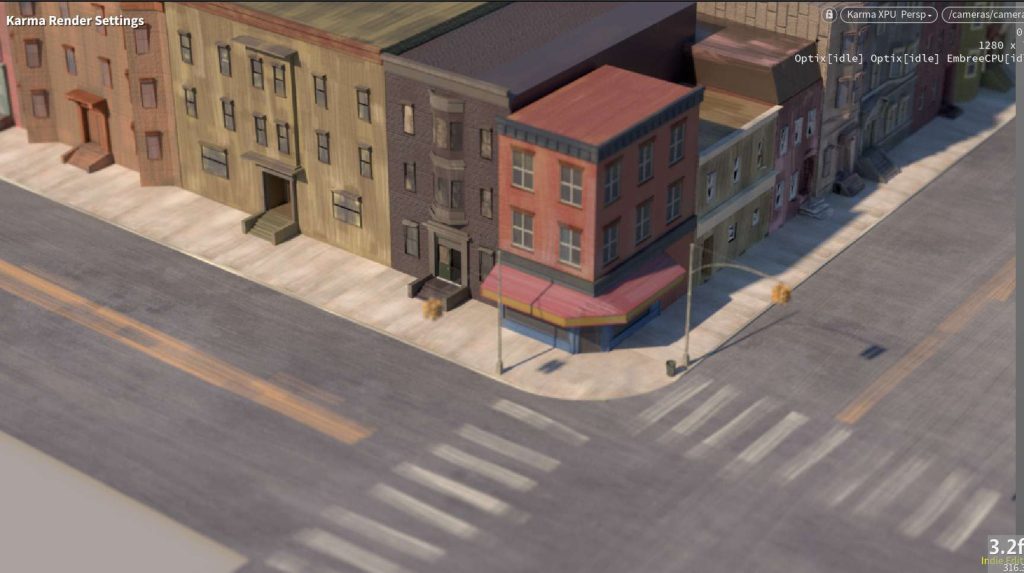
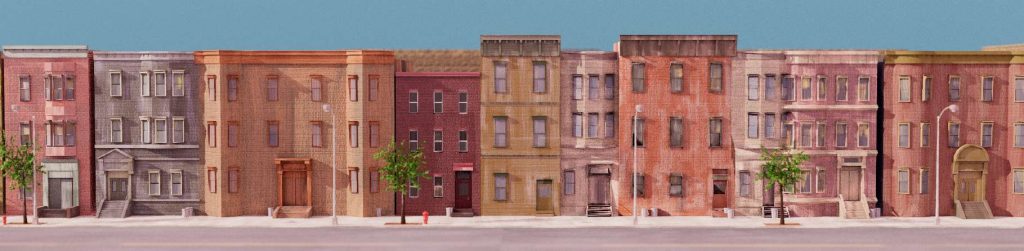
Props and Sets
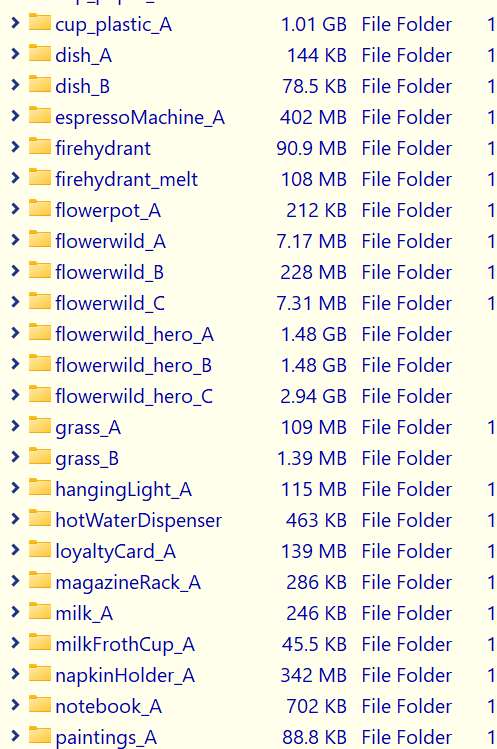
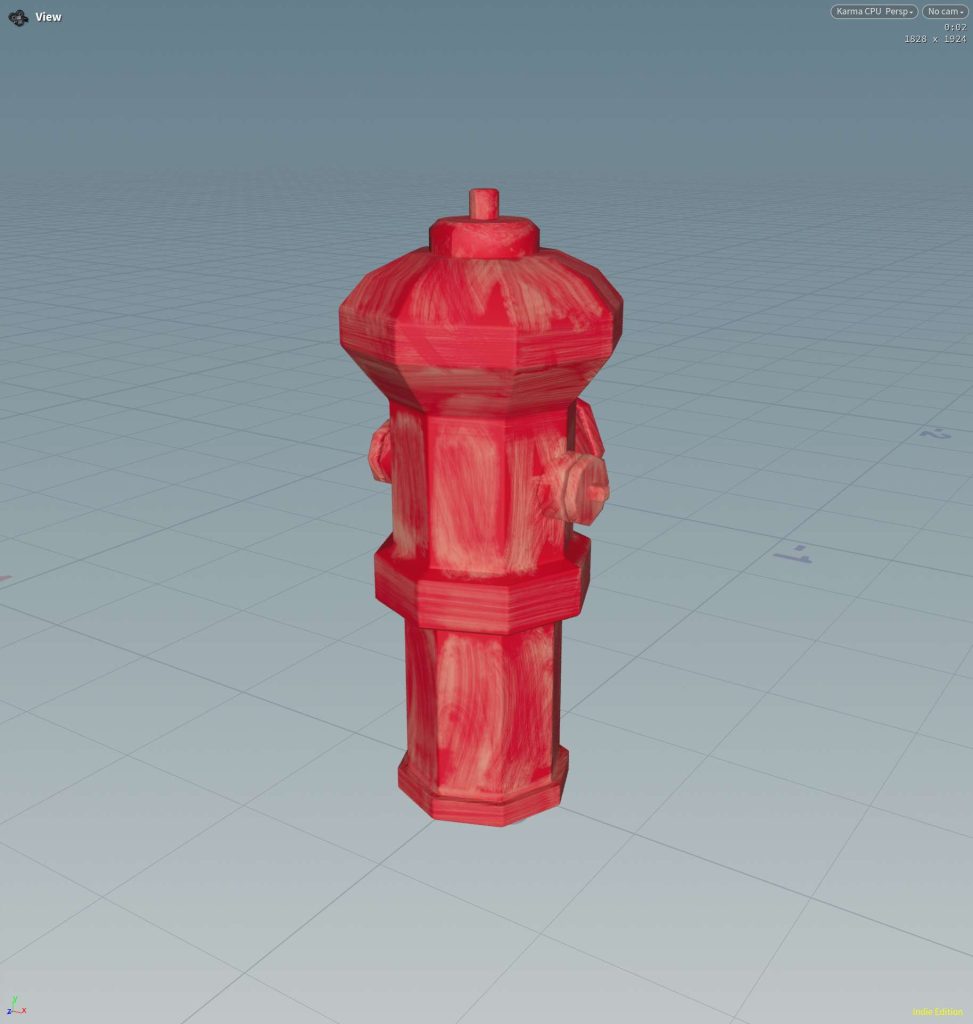
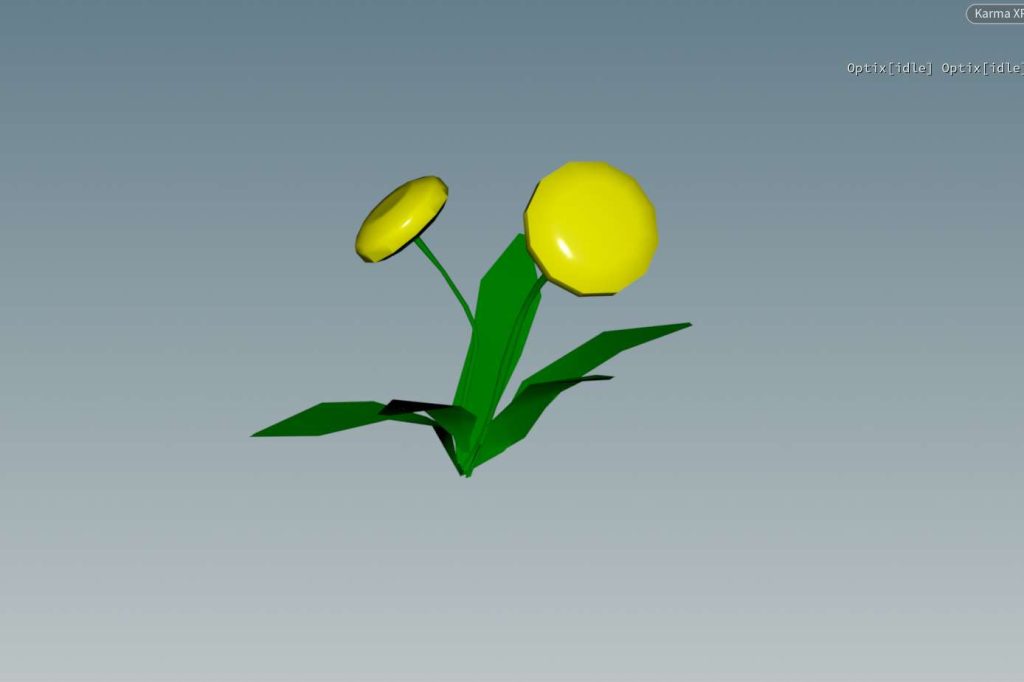
Using USD, I can create props, assemble them into sets, and then layer different phases of production in as I go.
Any updates later in the process non-destructively push out over the old assets.
Animation Pipeline
I modeled and rigged the characters in Maya.
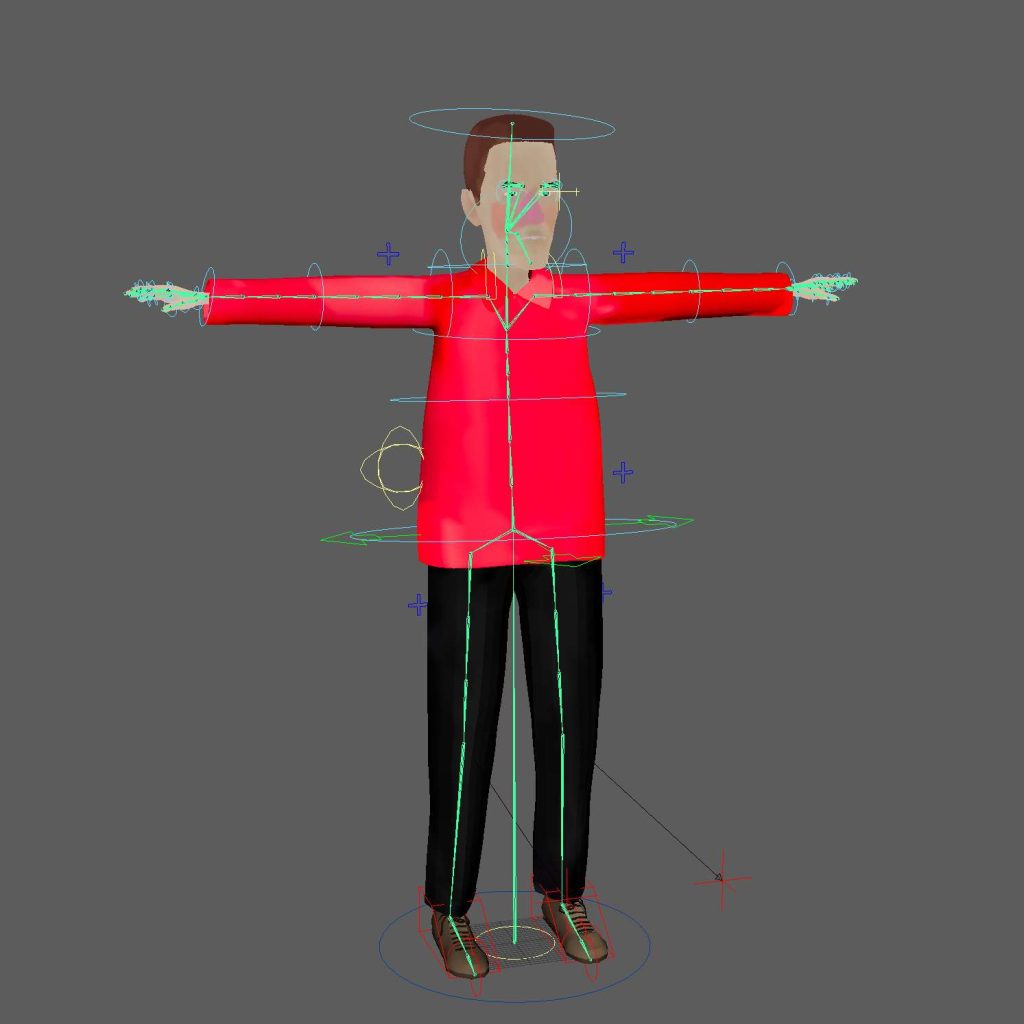
But, using the Kinefx based skeleton system in Houdini, I was able to move the rig into Houdini…
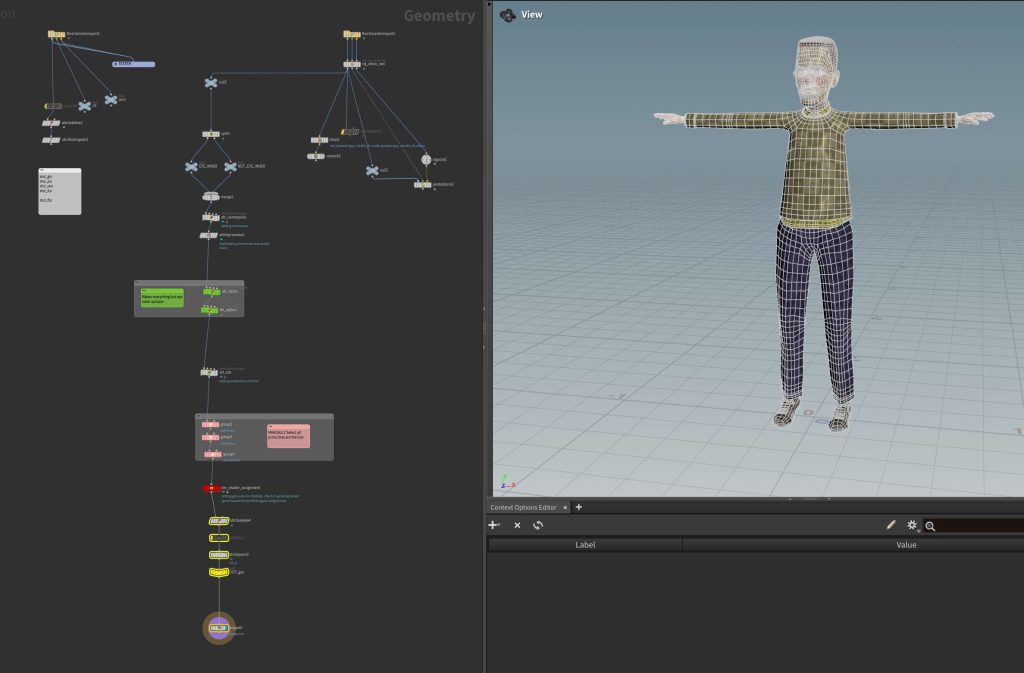
Author it as a USD asset (with the skeleton)
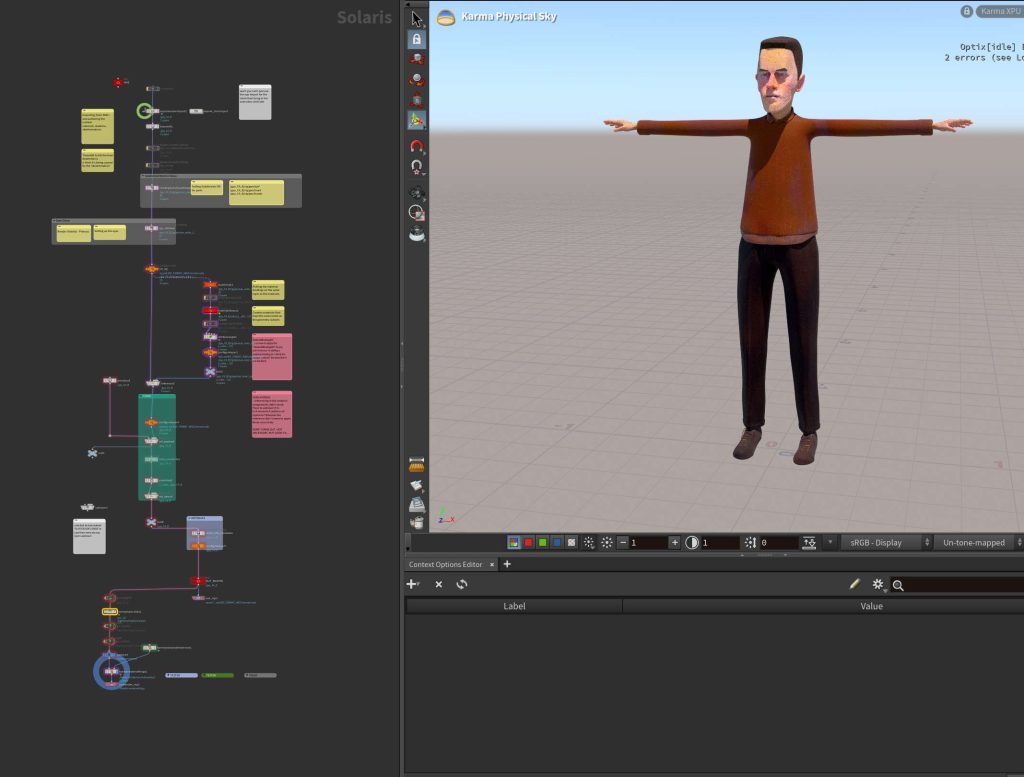
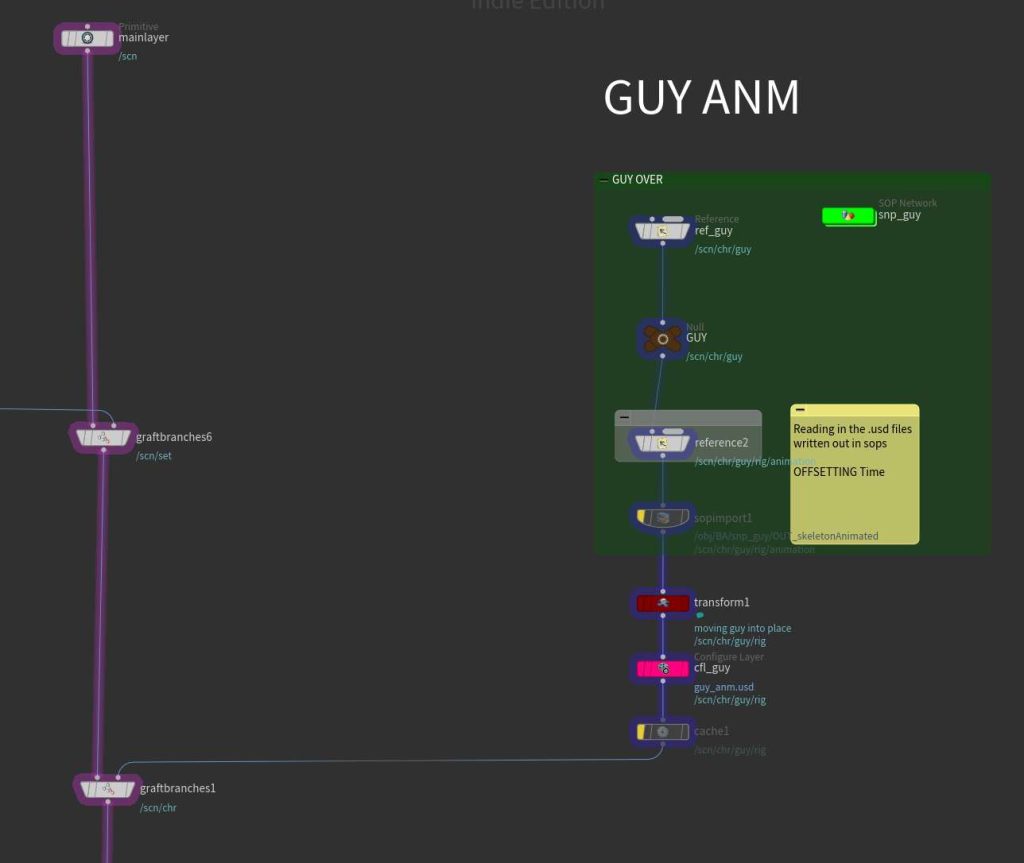
And simply layer the skeletal animation into the scene at any point (with updated animations).
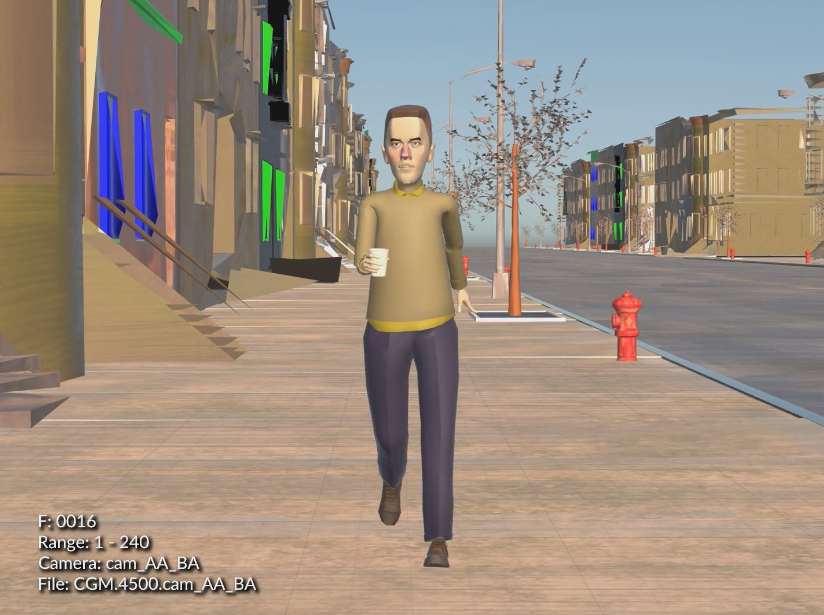
And everything comes together: characters, props, and animation.
Crowds
Crowds in Houdini are basically particle simulations with character animation and rigid body dynamics on top.
Here’s a few examples
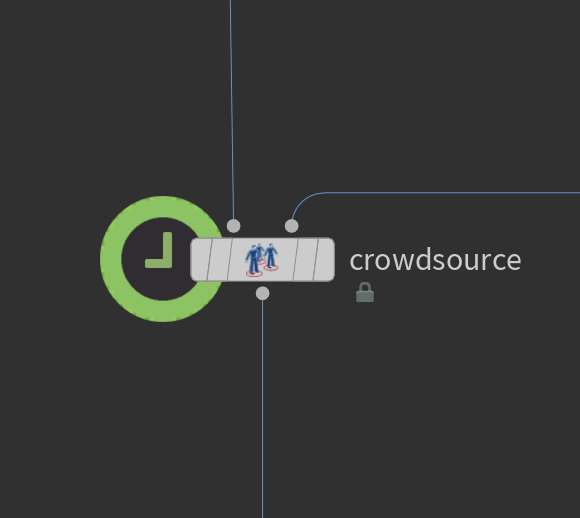
Primitive Folk
These little characters are just a procedurally generated stack of primitive meshes.
I bundled them as two separate HDAs to make them more accessible and versatile.
- A) The procedural mesh
- B) The procedural rig
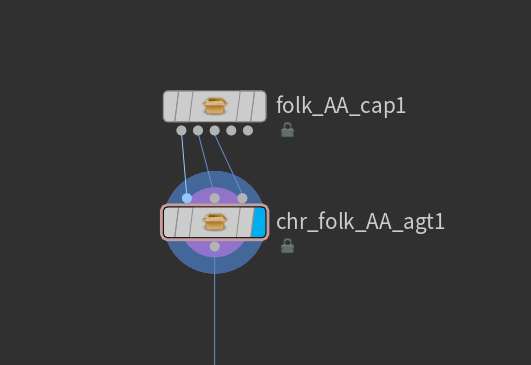
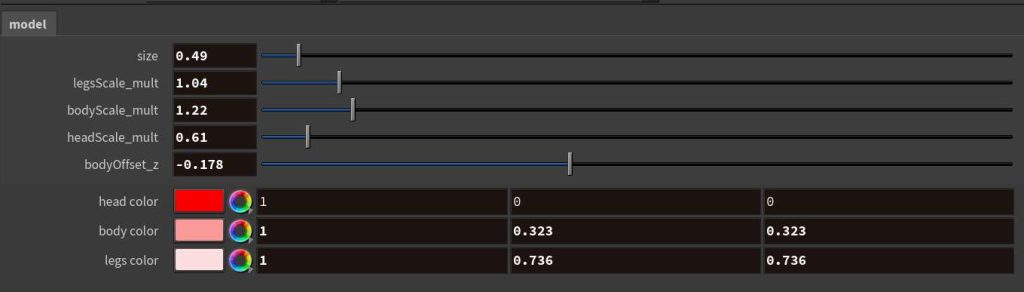
By creating the characters like this, I am able to adjust the character proportions/colors:
Independently of the kinefx rig (which is converted into a crowd-friendly agent with animation clips pre-embedded)
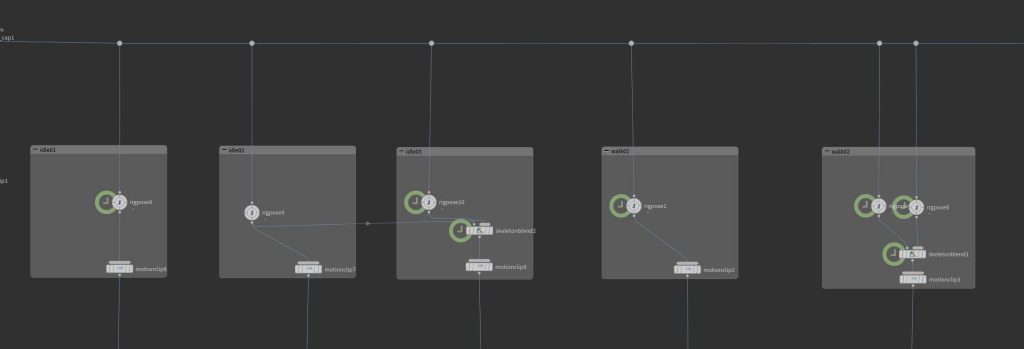
The agents are then fed into a crowd simulation, where they can utilize pops nodes, agent specific effects, and rdb.
Extended Reel Ending
I pushed the crowd animations a bit further with some more human characters.
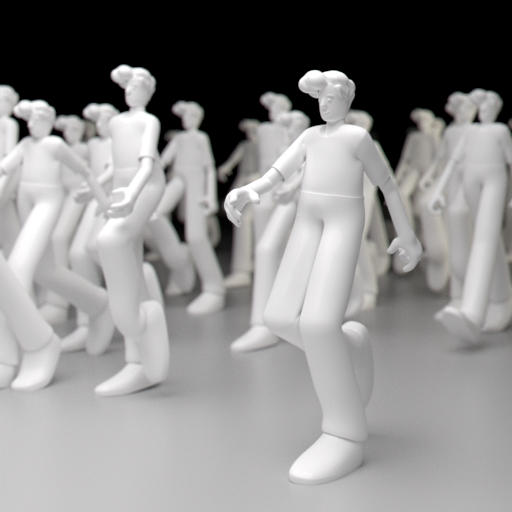
Feeding in some animation states.
Working them into a scene
Lots of possibilities with crowds:
So I combined them into a scene with the primitive folk.
(at about 2:28)
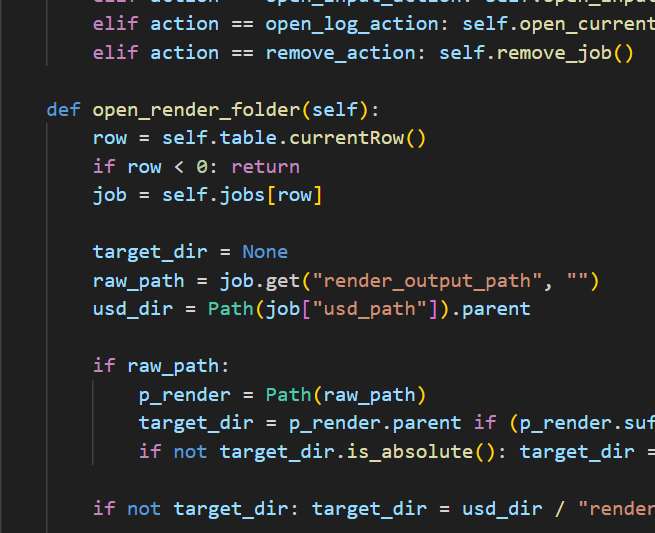
I can write out a .usd file (collecting all assets with usd is incredibly easy)
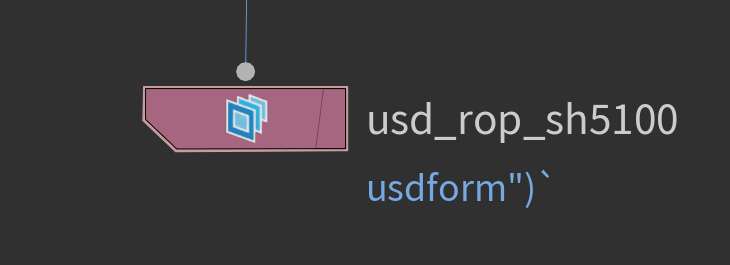
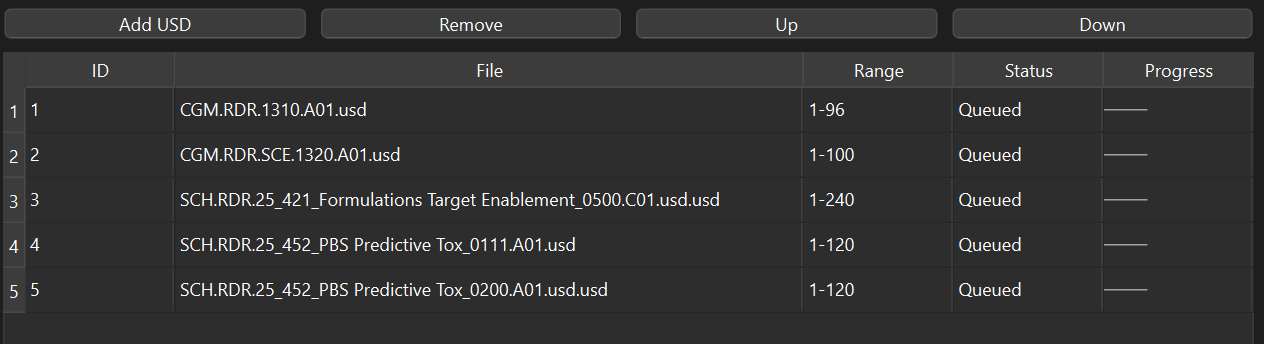
Load files individually or in bulk.
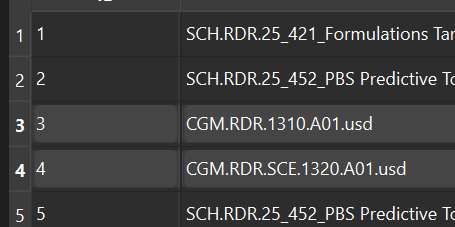
Rearrange the scenes in the queue based on priority.
And keep track of render progress, even receiving email updates about status (completion, failure, errors)
Media Creation and Conversion
We needed a way to collect and organize our media library.
So, instead of everyone using different methods and apps, I standardized the process with some packaged apps.
- Contact Sheet Creation
- Quick Gifs
Images to Contact Sheet
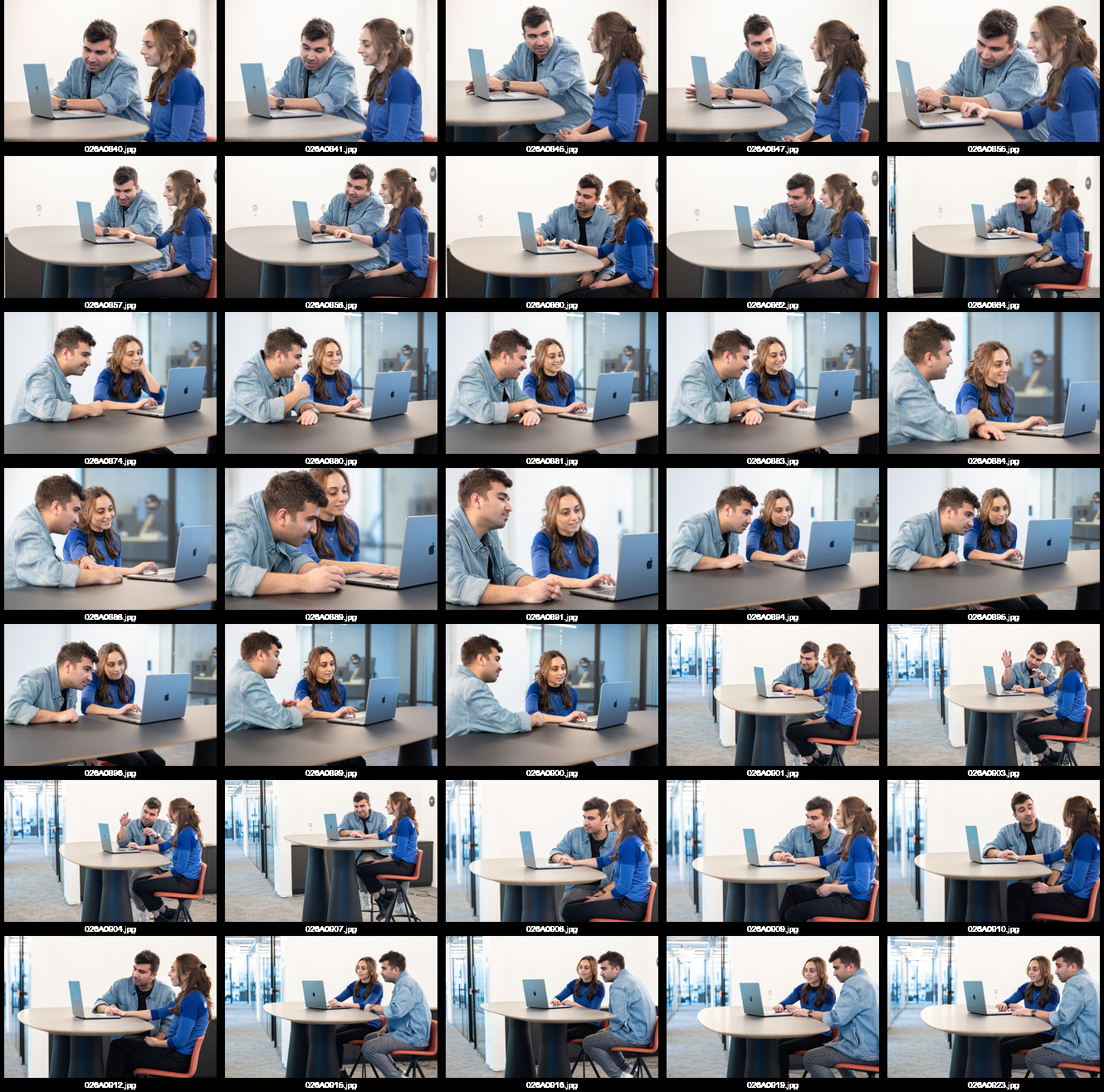
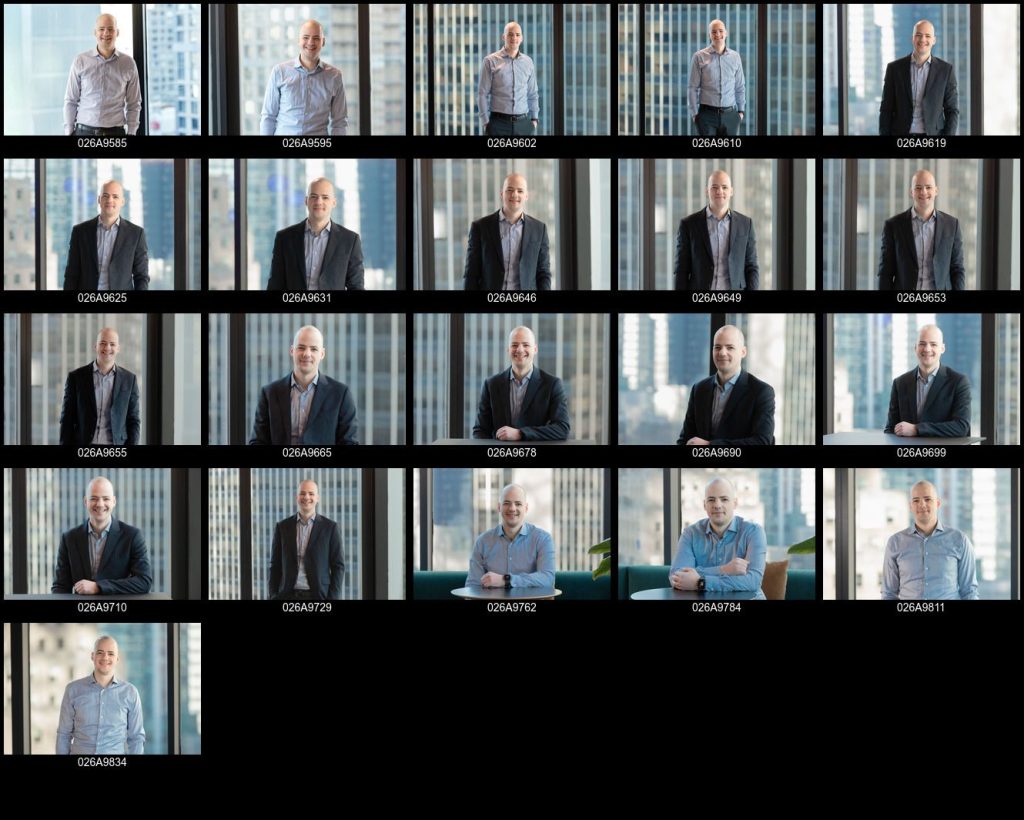
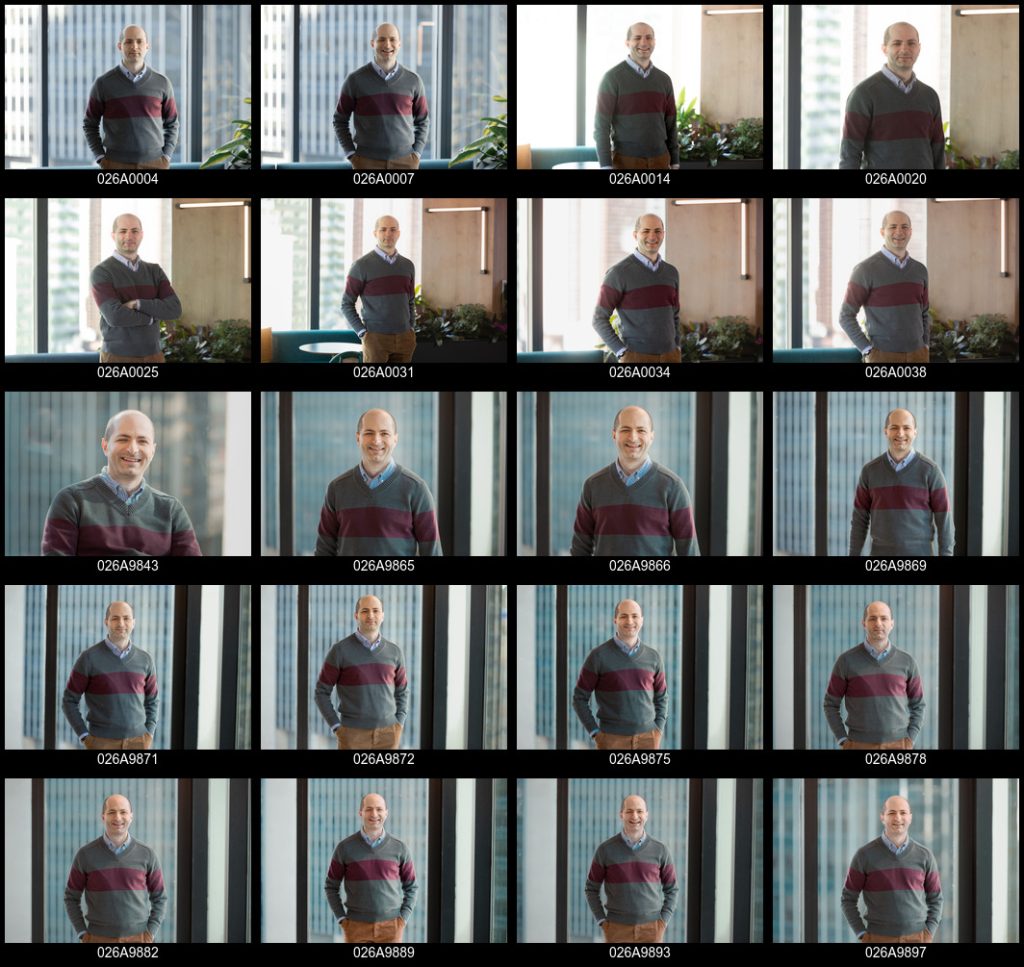
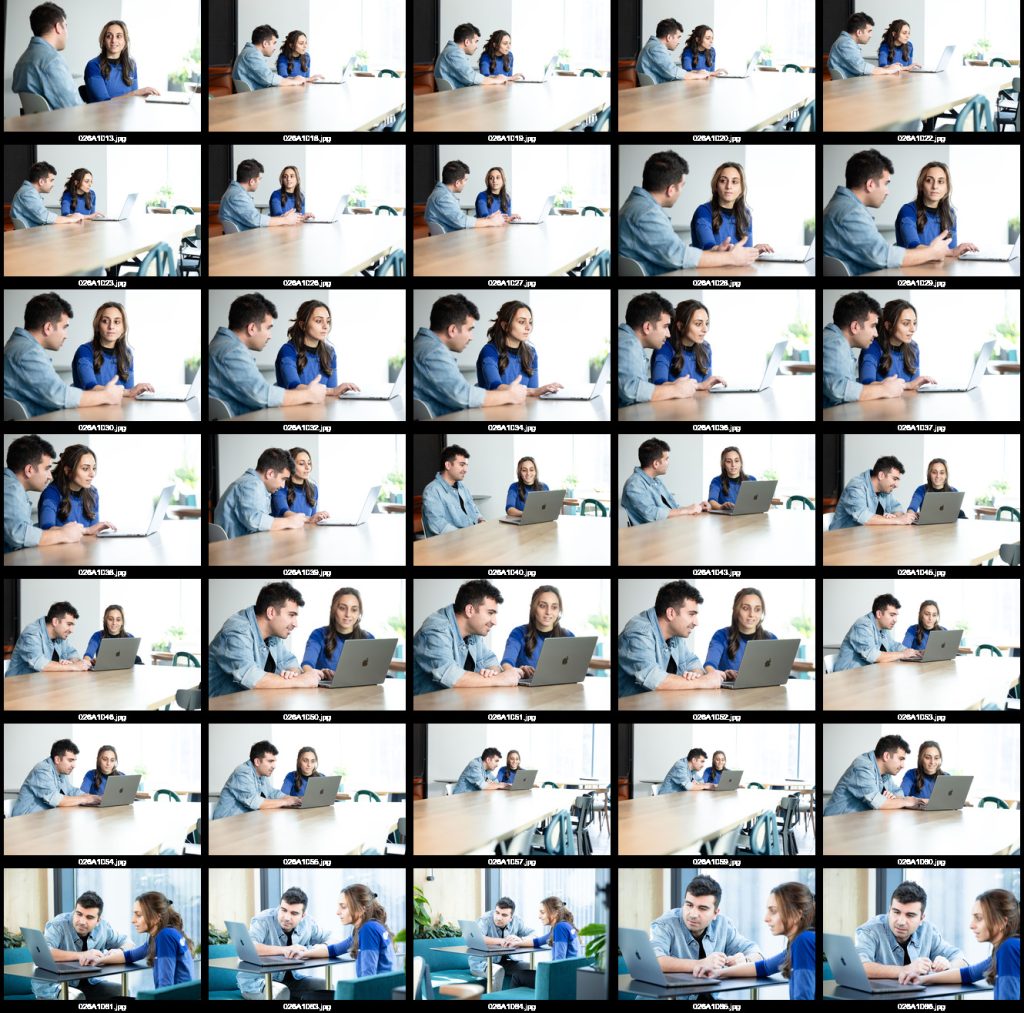
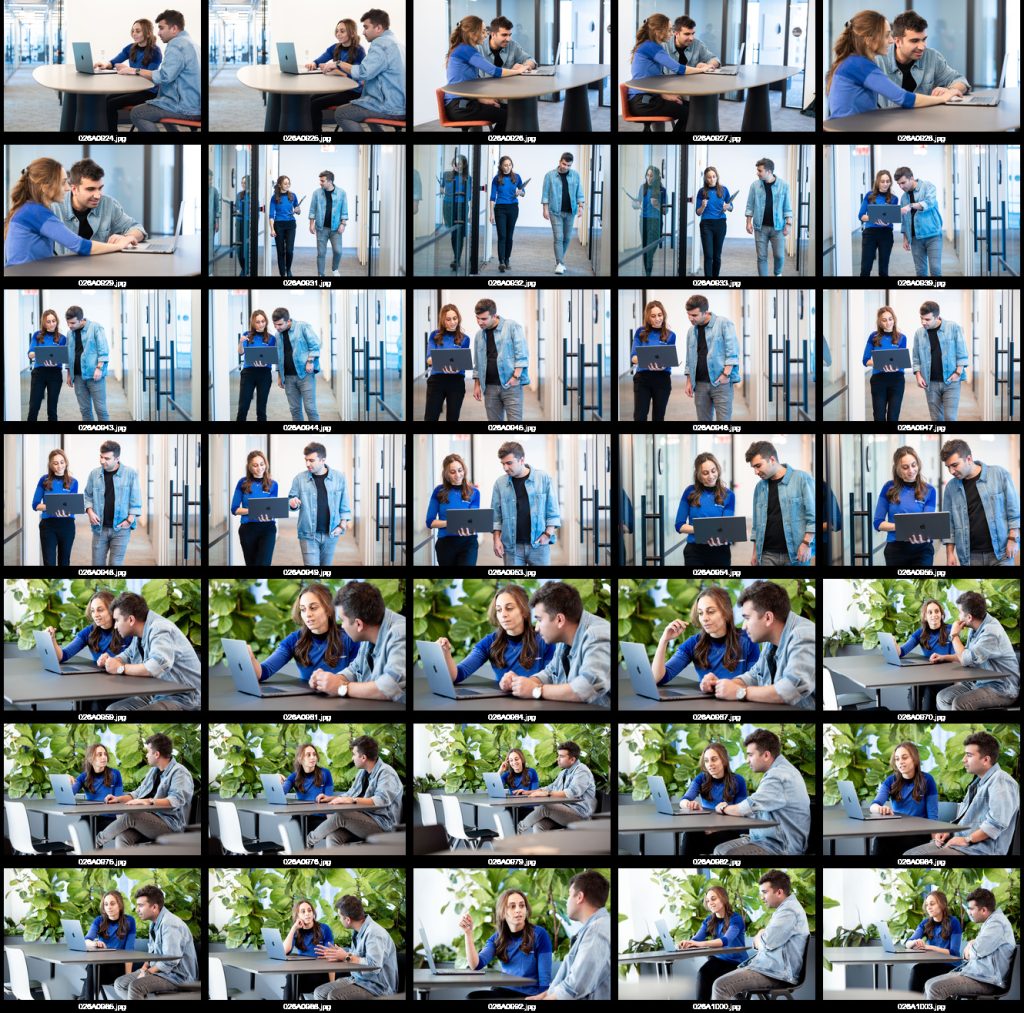
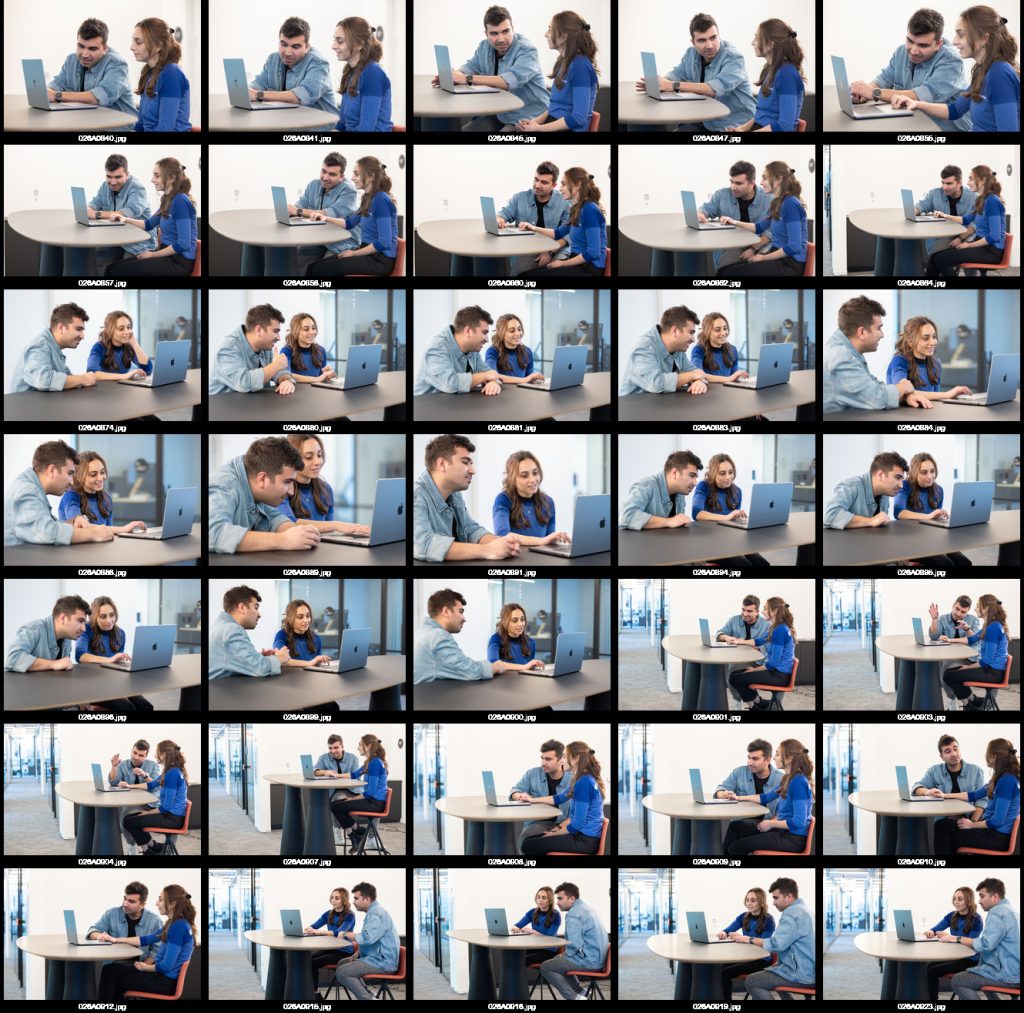
The script leverages ImageMagick to create a consistent, standardized, formatted contact sheet for every photo shoot.
You just launch the app and are presented with a gui where the user can simply enter the project number and generate the compilations.
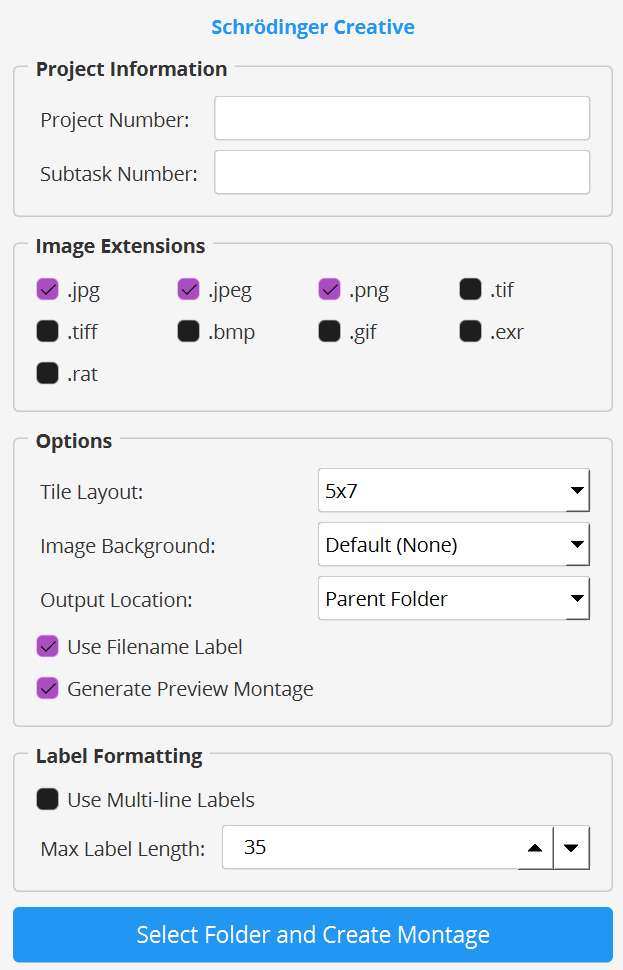
There’s extra options (filtering in the folder by image extension, modifying the tile layout, etc.), but, at it’s core, it’s a very simple script.

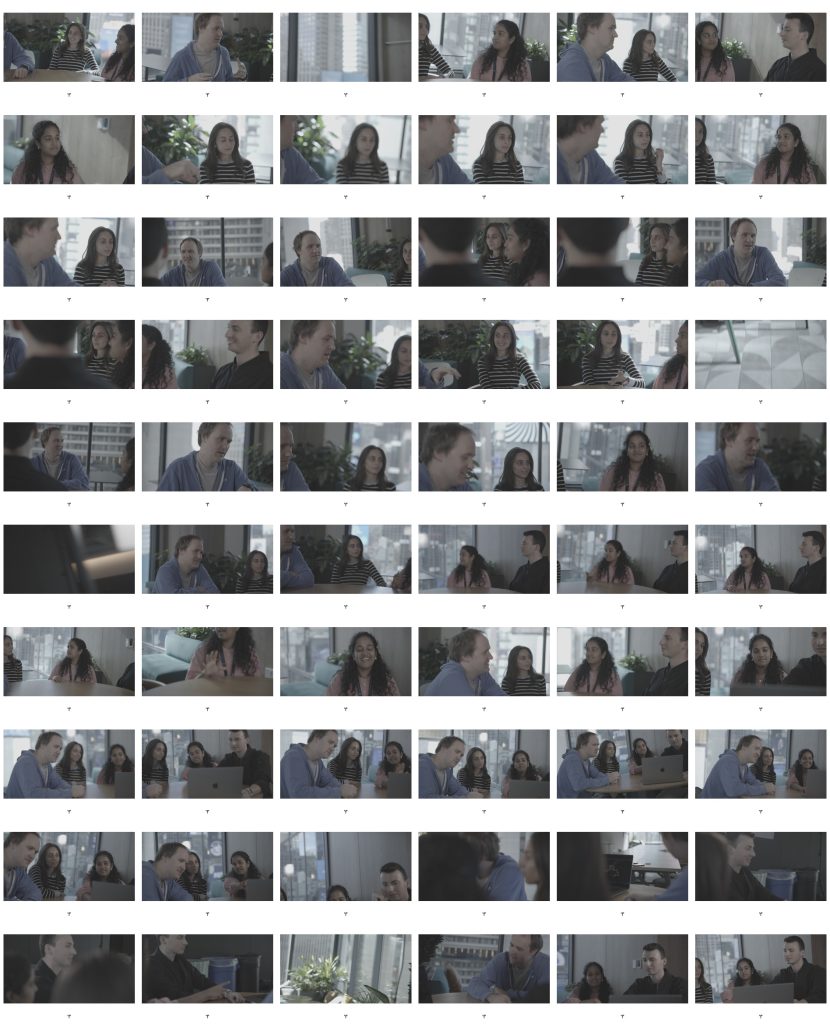
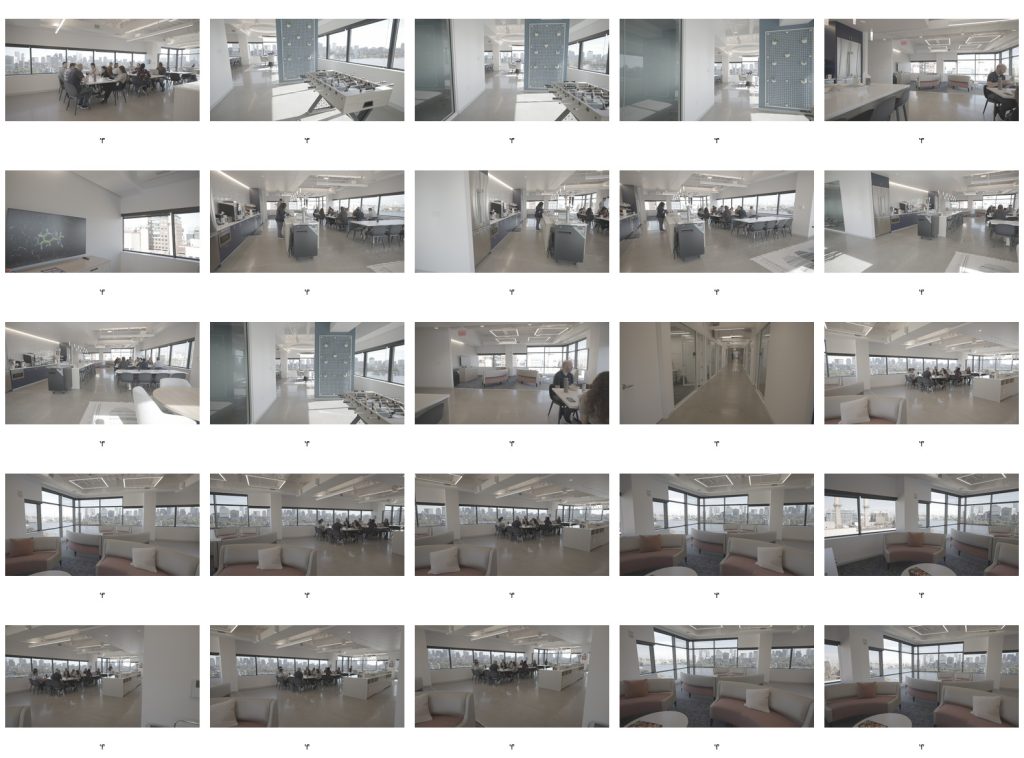
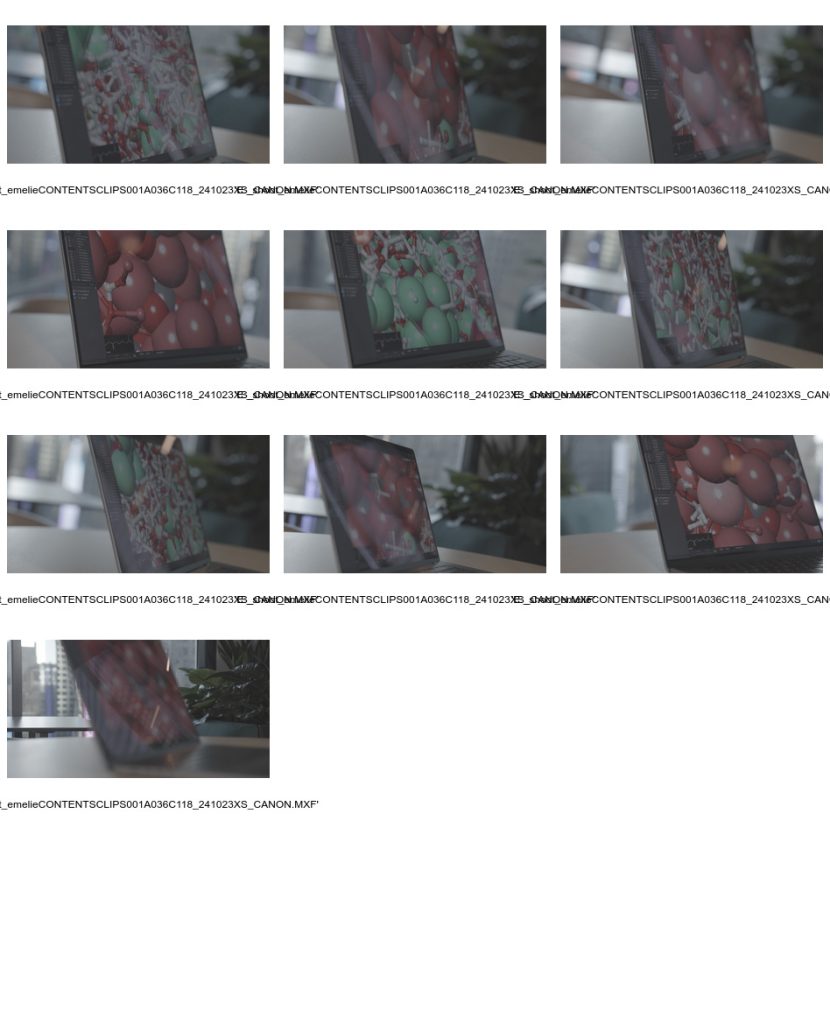
Video to Contact Sheet
I also released a version that makes contact sheets from video files.
It’s especially useful for the .xmp files generated by our cameras, as there’s no native way to preview them and they’re extremely large.
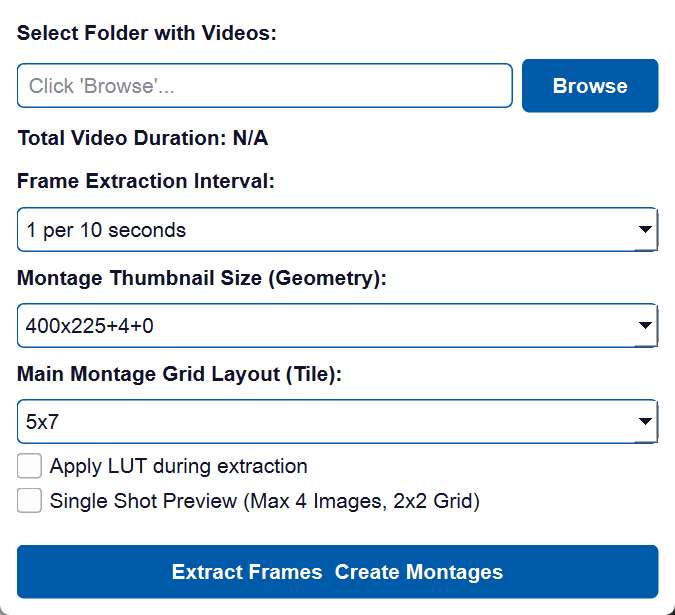
Note the ability to
- Extract frames based on a time sample
- Apply a LUT (for the Canon’s Cinemagamut colorspace)
Quick Gif-Maker
We’re constantly sharing animations back and forth for review over Asana, so I wanted a way for everyone to quickly make gifs.
You can launch the app and just drag a movie file onto it.
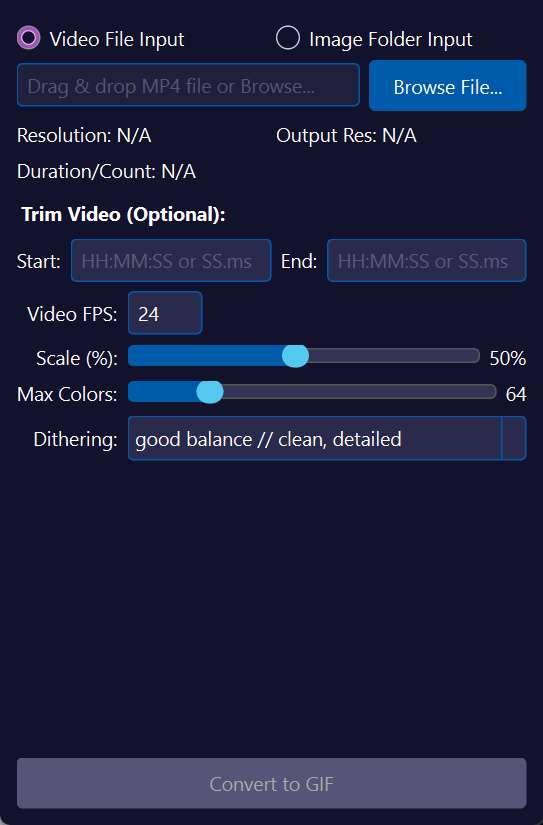
Just in case, there’s a few presets for different animation styles, but all of them leverage ImageMagick to get the sizes down to something manageable.
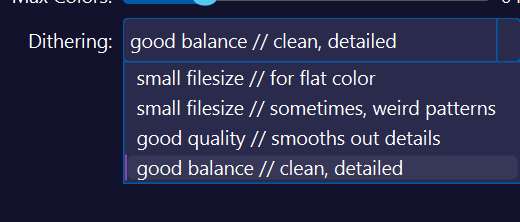
And, it’s so fast, you can just immediately generate another if it doesn’t suit your needs.