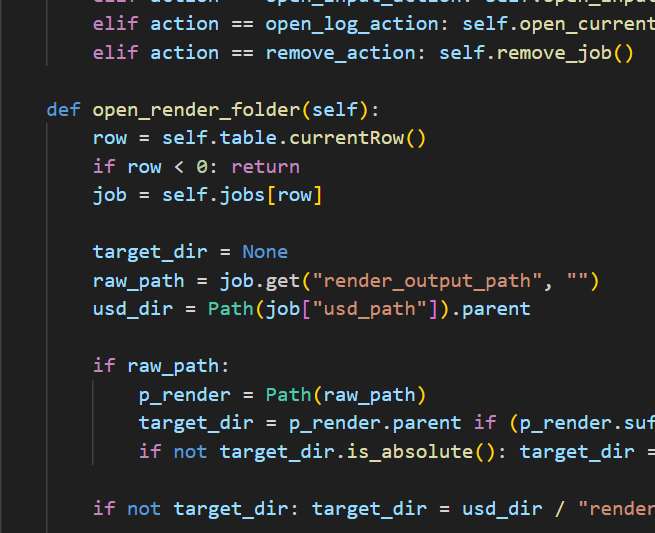
Scripts and Pipeline Tools
A simple script or tool can save an entire team countless hours.
I’m tech-minded and always looking for ways to streamline, automate, integrate, and collaborate better.
Languages
Project Structure
Creating projects and folder structures were a repetitive task and there wasn’t an established template across different project types, so each person would duplicate the previous template folder structure, then re-create the elements which were missing.
The obvious fix was to automate it.

Schrödinger Project Folder Creator
I developed a simple script to unify and speed project creation so
- Each project could get off to a seamless, running start and ever
- Consistent folder structure

Functionality Rooted in the Existing Workflow
The team had a well established workflow, so my intent was not to change it, but to improve it.
Their project structure used the naming convention:
YY_{num}_{name}_{dept}- Year
- Project Number
- Project Name
- Requesting Department
So, we just needed a simple script to automate the process.
All the user has to do is launch the app
The script looks at the main project folder and automatically populates the field with the next sequential project number.
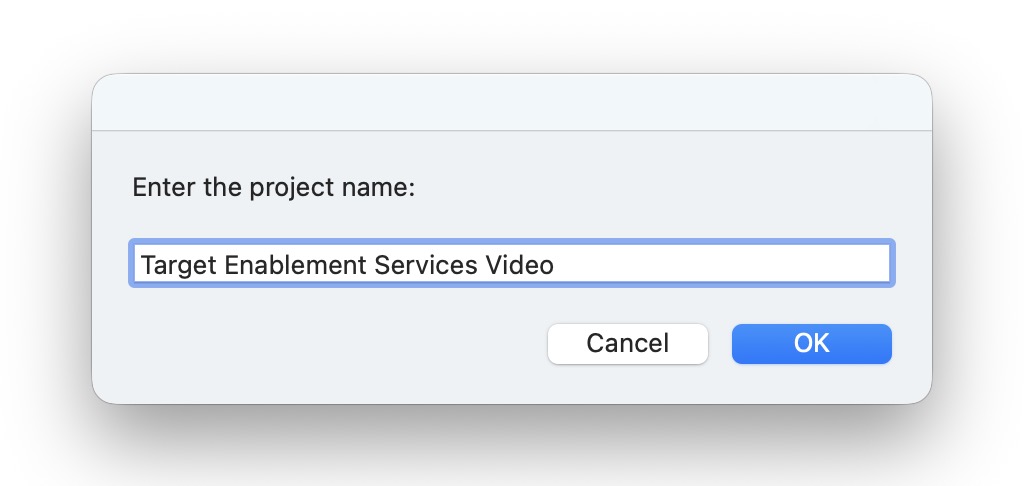
The user then enters the project name from the Asana ticket.
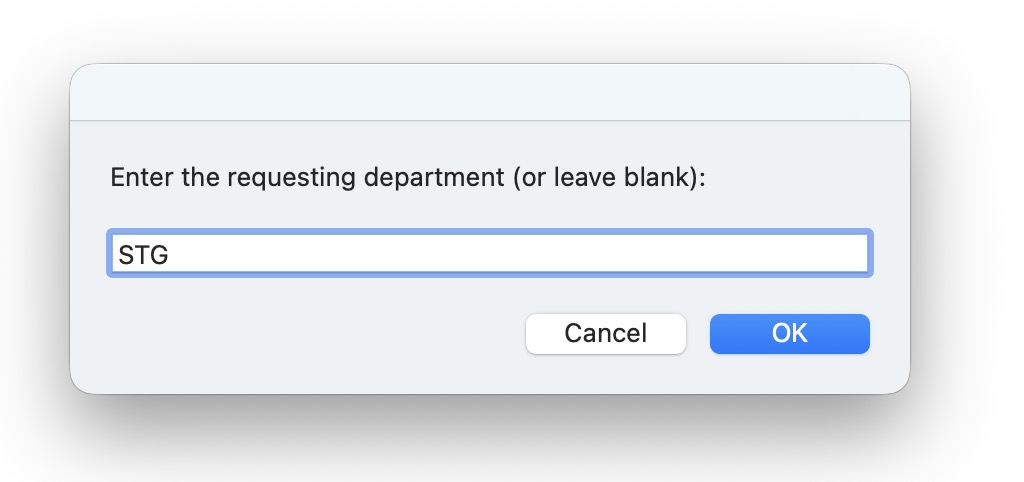
The user is prompted to enter the requesting department.
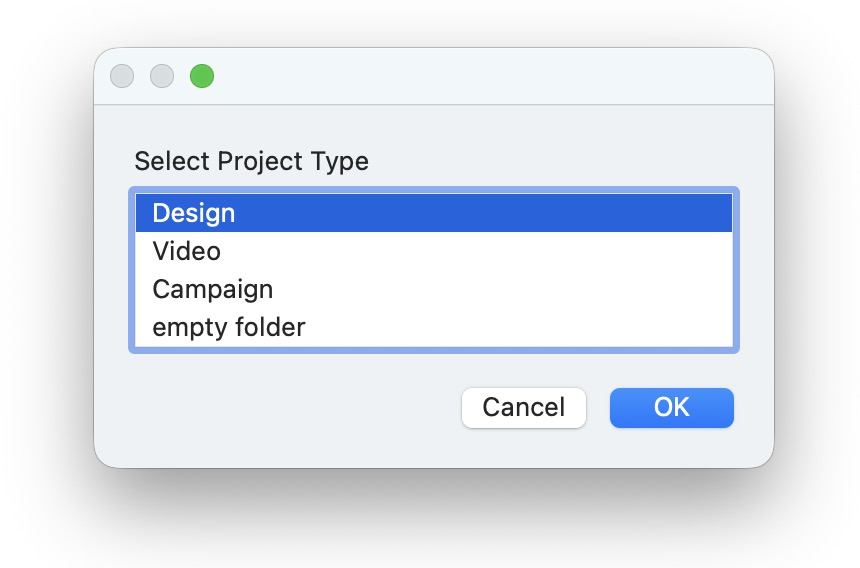
And, finally, the user can choose a project type (which determines the folder structure.
The folder structure is then created on the Shared Team Drive.
Render Queuing and Tracking
Houdini doesn’t have a native render queue system like Cinema 4D, so it can be difficult to set up and keep track of render progress.
I created a couple tools
- SOPs / ROPs
- USD based workflows
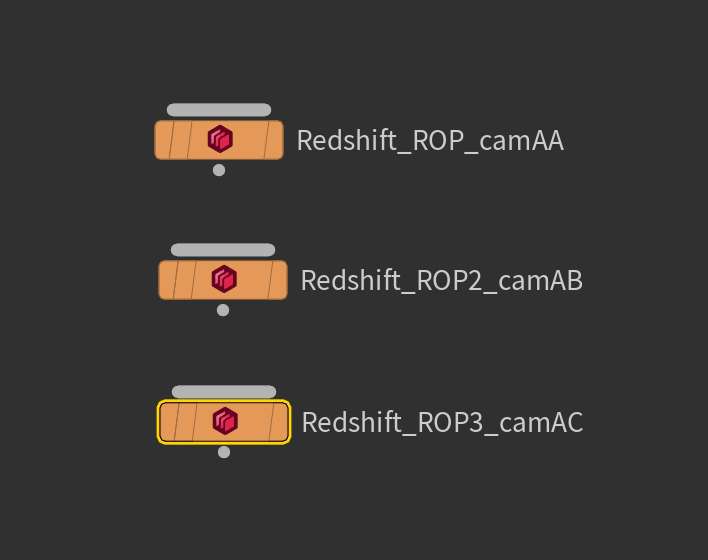
SOPs / ROPs Batch File Populator
In Houdini, one of the way to queue renders is to manually create a .bat file and type in a hython command (hrerender.py) populated with arguments.
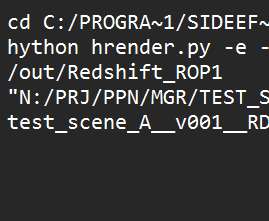
Automating the Process
The command itself isn’t too complex:
hython hrender.py {options} {network/path/to/rop} {system/path/to/project/file.hiplcBut, in the chaos of deadline, it’s easy to make a mistake or get a slash wrong so you come back to your render folder the next morning and an entire sequence is missing.
So, it was a simple fix.
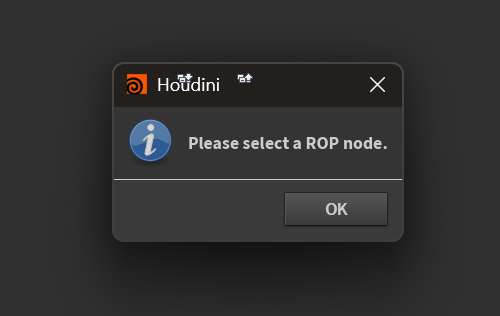
Select the ROP
A simple gui where you can set the frame range.
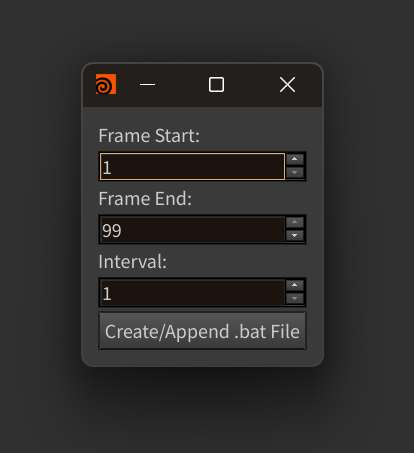
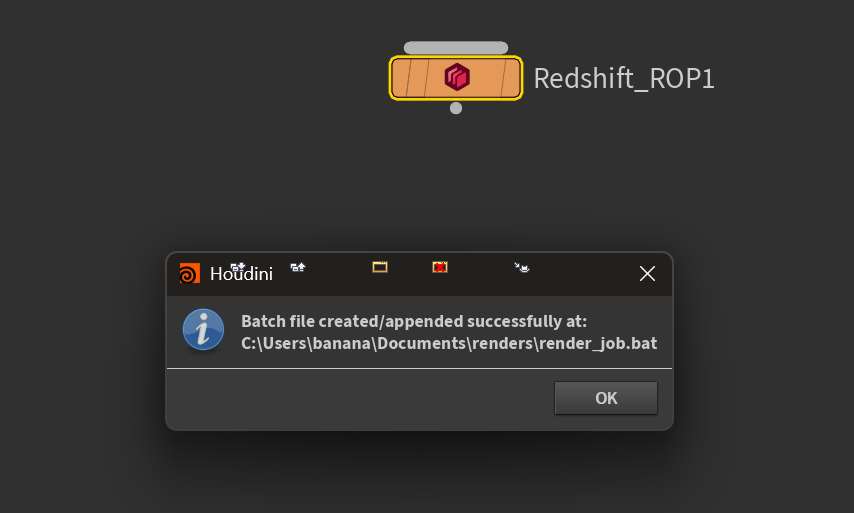
And it automatically populates a new line in the .bat file, which you can then just double click to launch command in Houdini’s Command Line Editor.

USD Based Workflow
I have moved the majority of my Houdini pipeline into LOPs for the versatility of a USD based workflow.
Automating the Process
While I could just translate the SOPs script into ROPs, USD offers a lot of advantages when it comes to packaging and referencing scenes.
Instead of relying on the scattered nature of .hip files and networks, I wanted to directly render the generated .usd file.
So, I created a gui that would let me directly load usd files.
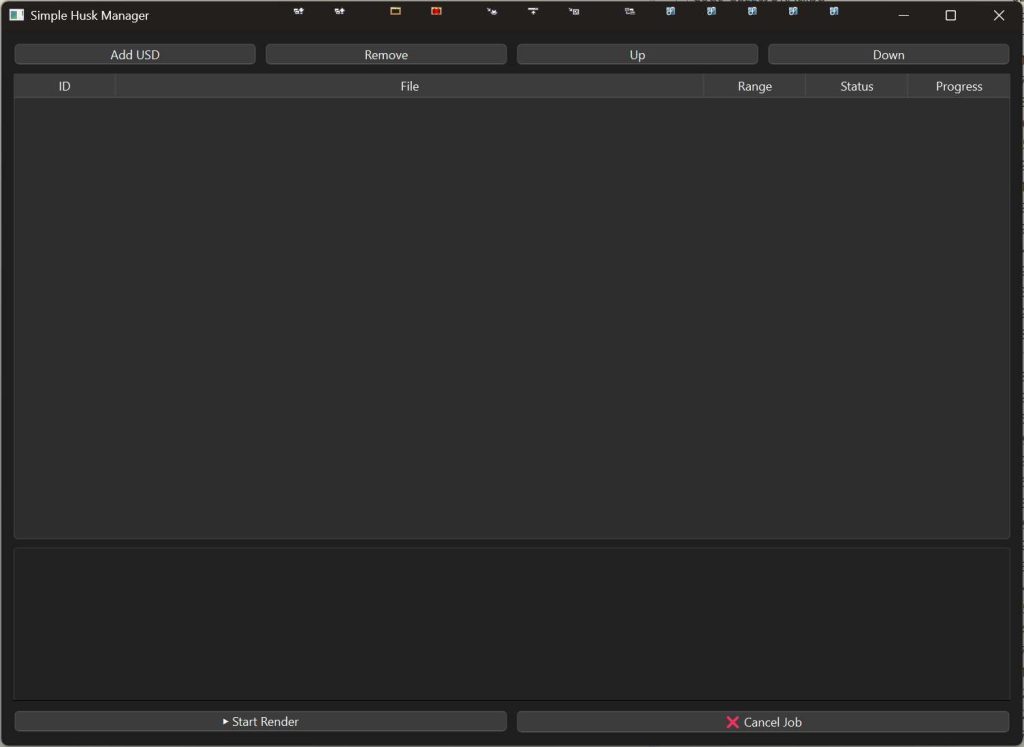
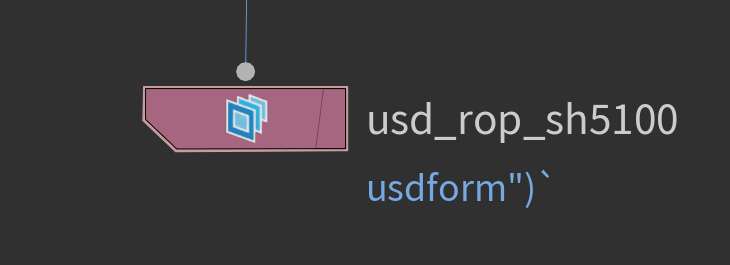
I can write out a .usd file (collecting all assets with usd is incredibly easy)
Load files individually or in bulk.
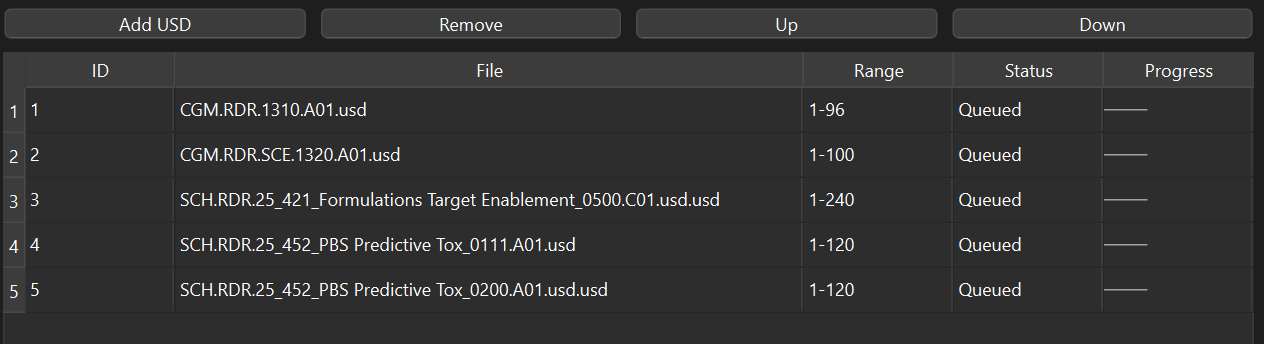
Rearrange the scenes in the queue based on priority.
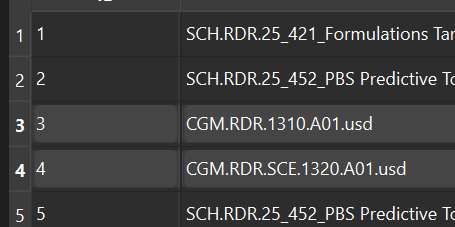
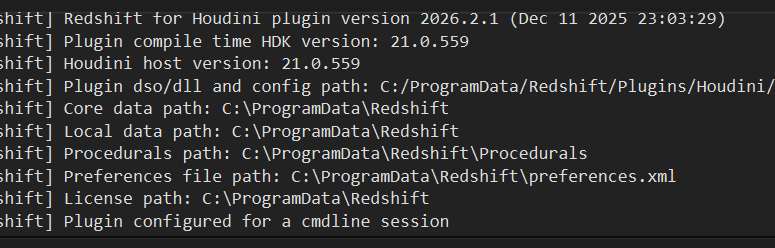
And keep track of render progress, even receiving email updates about status (completion, failure, errors)
Media Creation and Conversion
We needed a way to collect and organize our media library.
So, instead of everyone using different methods and apps, I standardized the process with some packaged apps.
- Contact Sheet Creation
- Quick Gifs
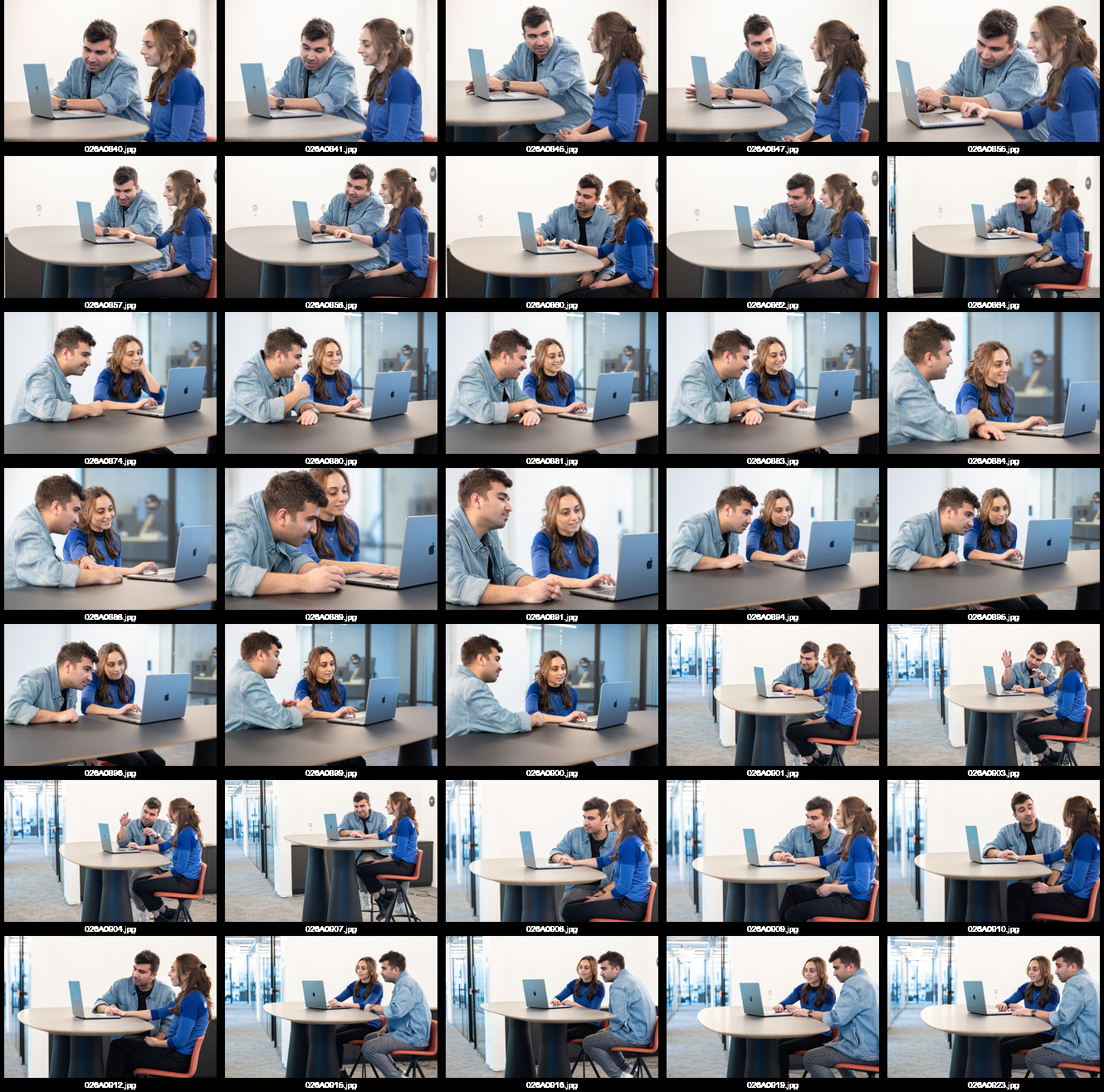
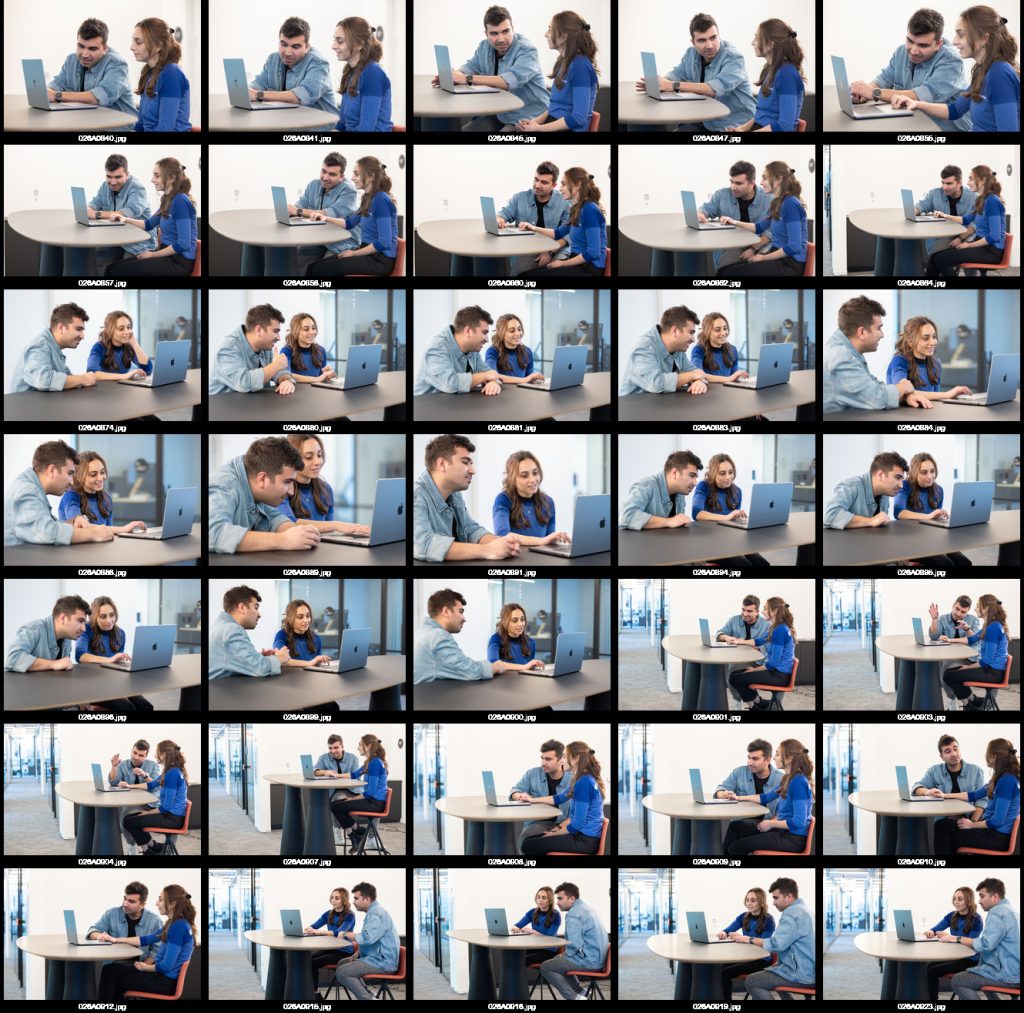
Images to Contact Sheet
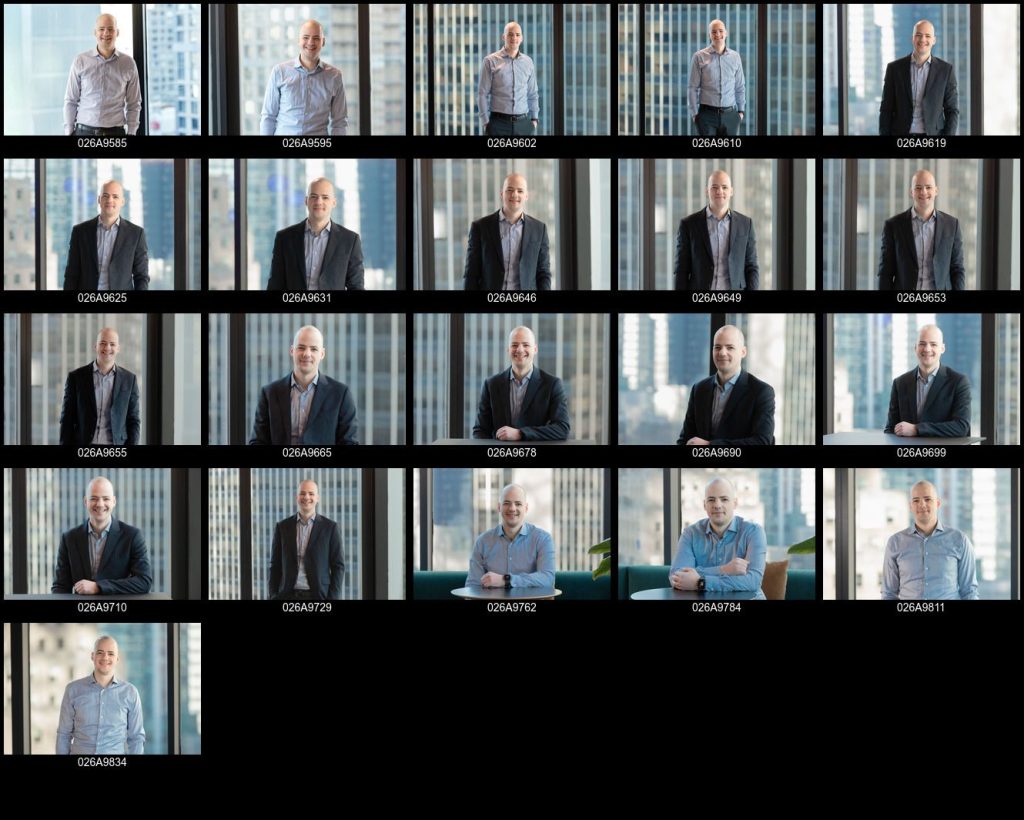
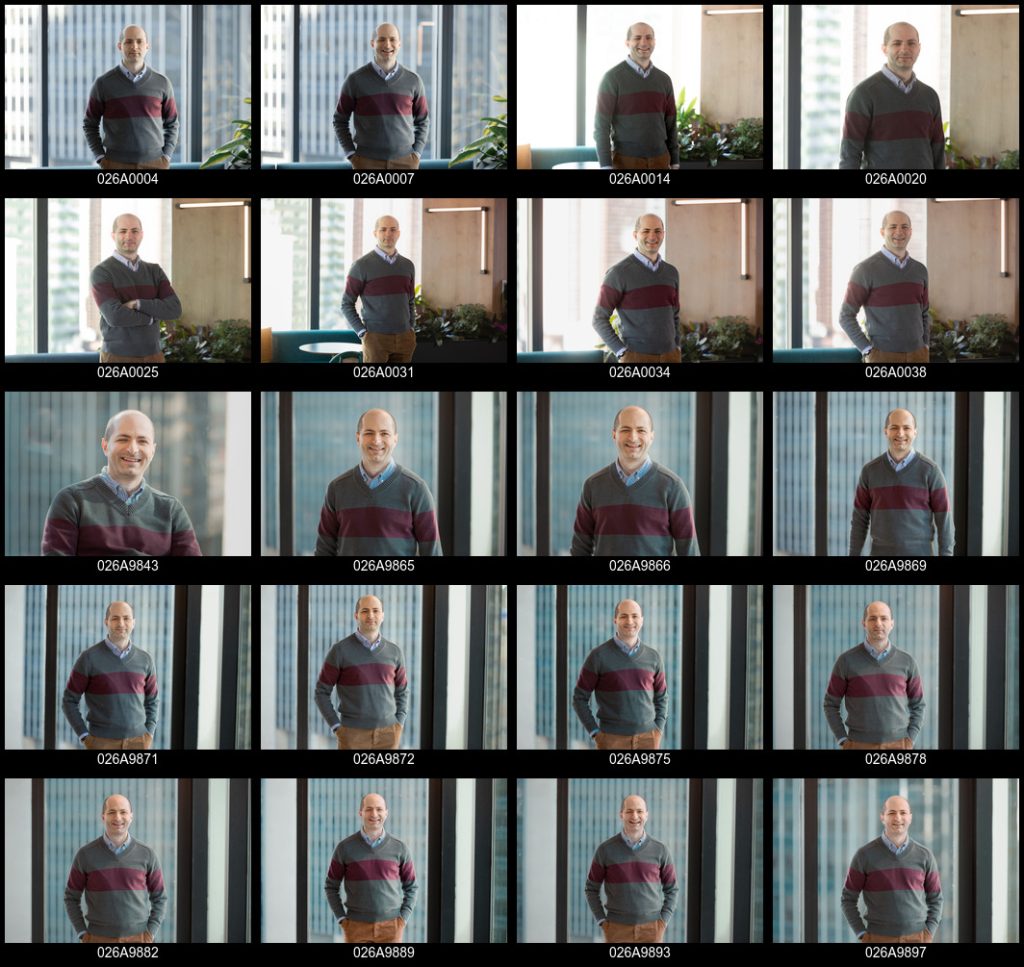
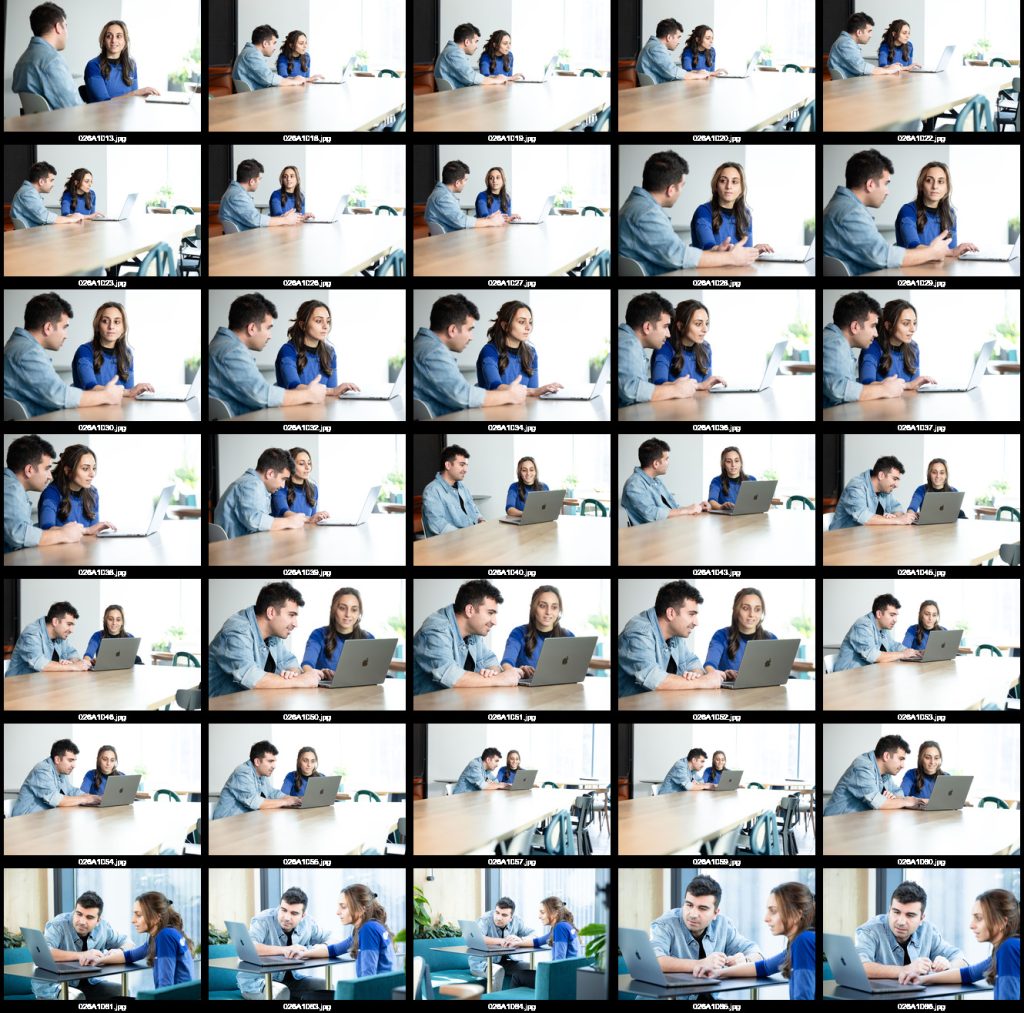
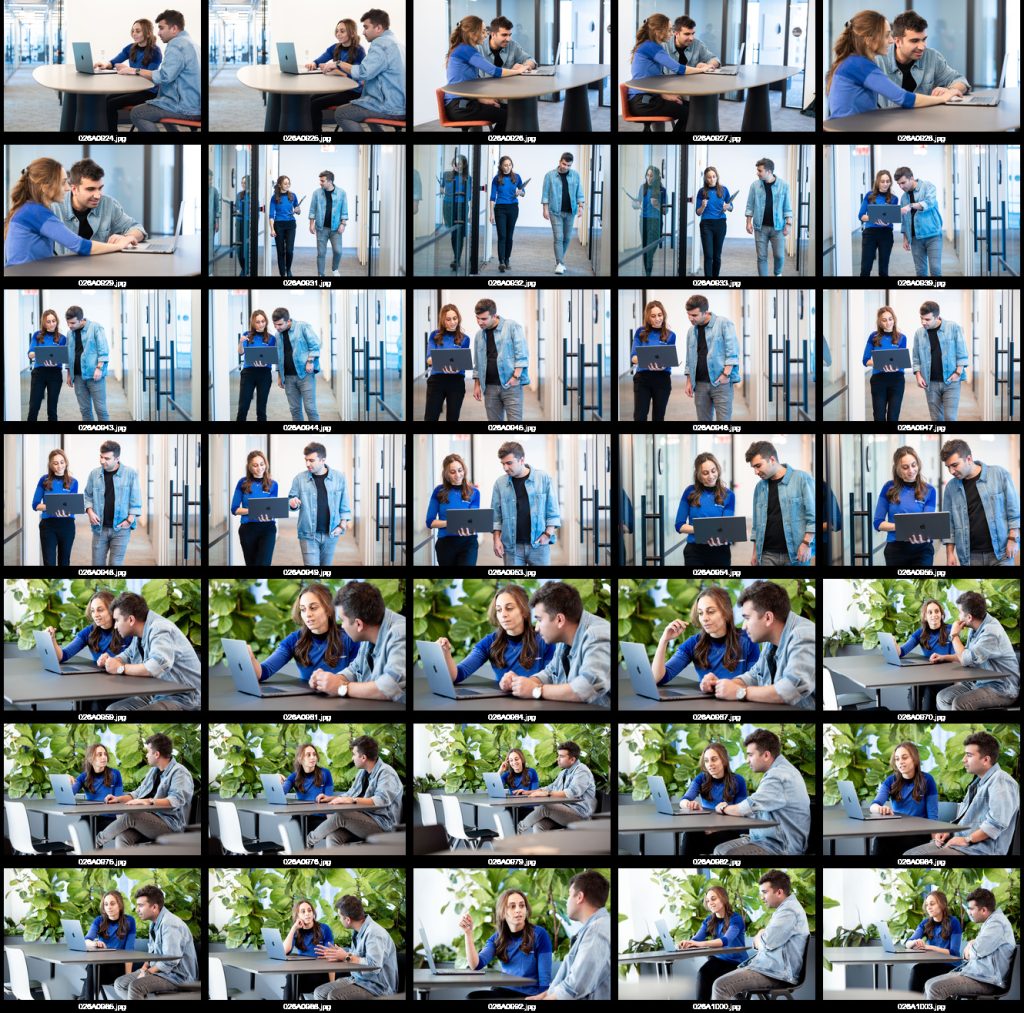
The script leverages ImageMagick to create a consistent, standardized, formatted contact sheet for every photo shoot.
You just launch the app and are presented with a gui where the user can simply enter the project number and generate the compilations.
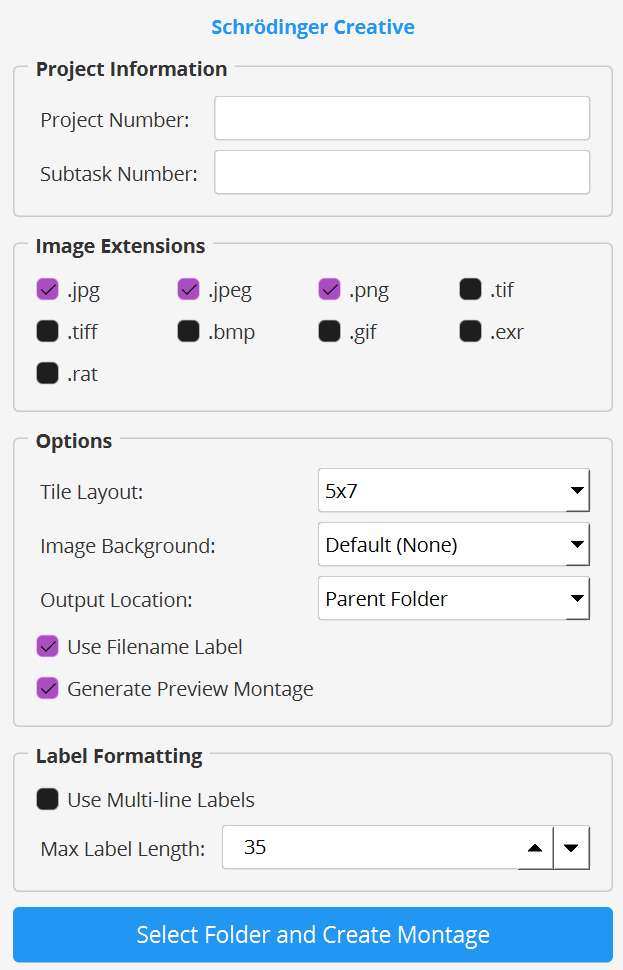
There’s extra options (filtering in the folder by image extension, modifying the tile layout, etc.), but, at it’s core, it’s a very simple script.

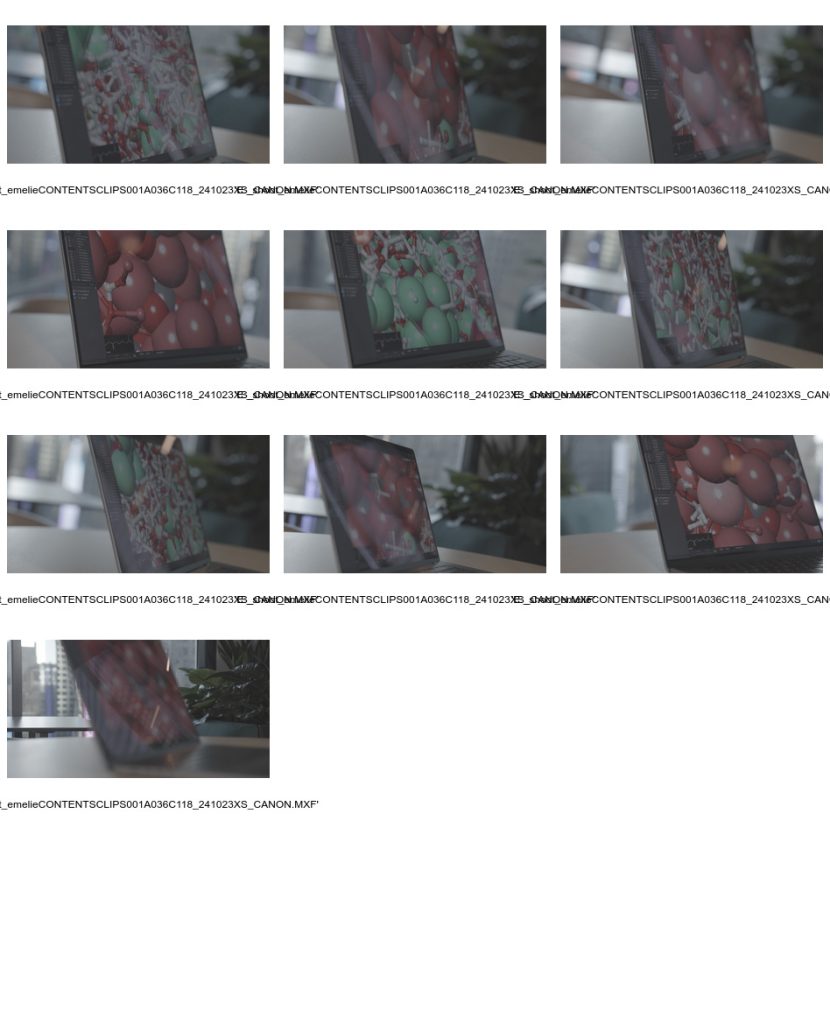
Video to Contact Sheet
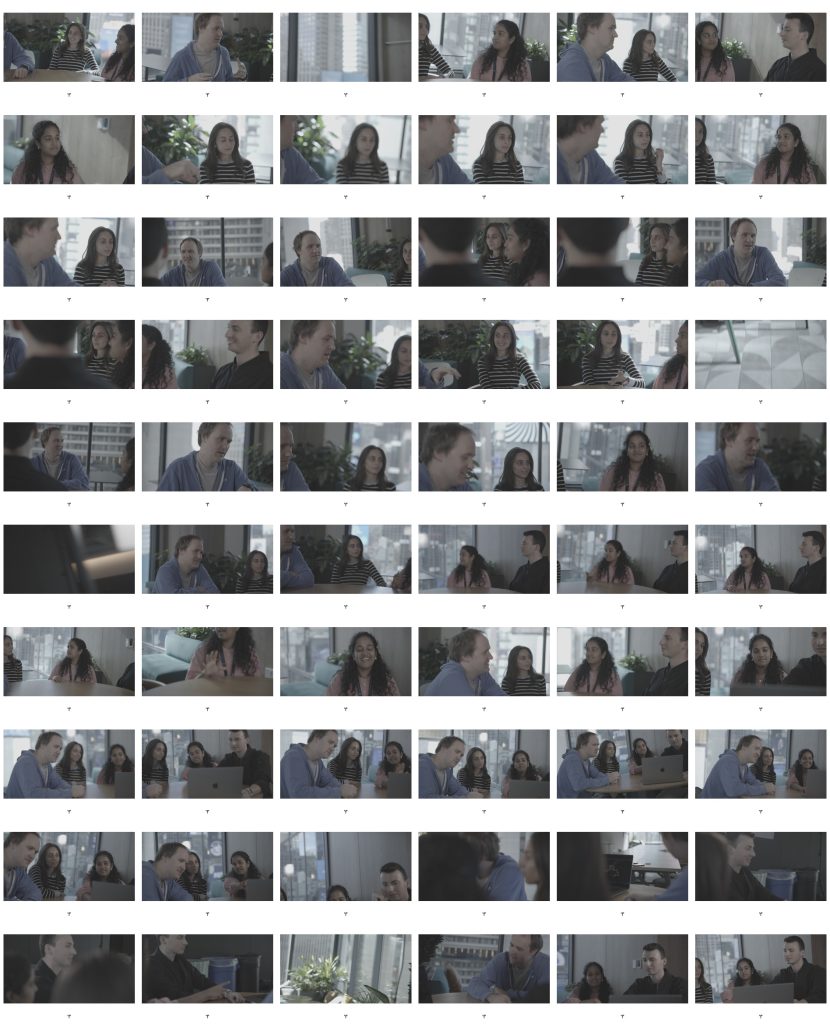
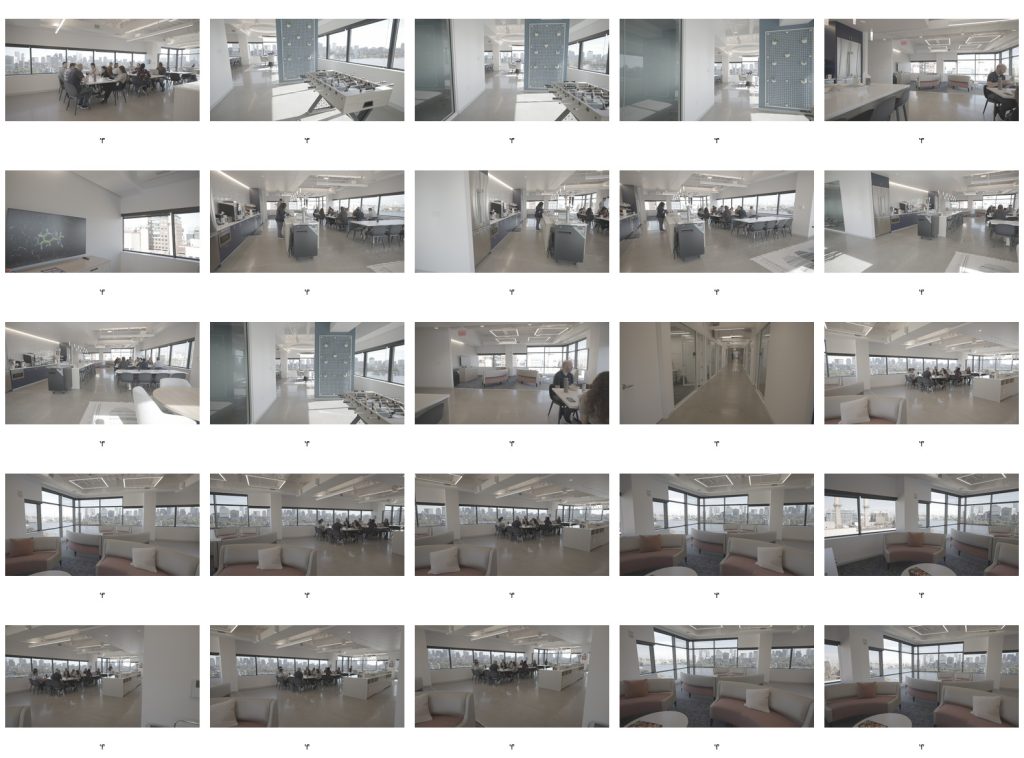
I also released a version that makes contact sheets from video files.
It’s especially useful for the .xmp files generated by our cameras, as there’s no native way to preview them and they’re extremely large.
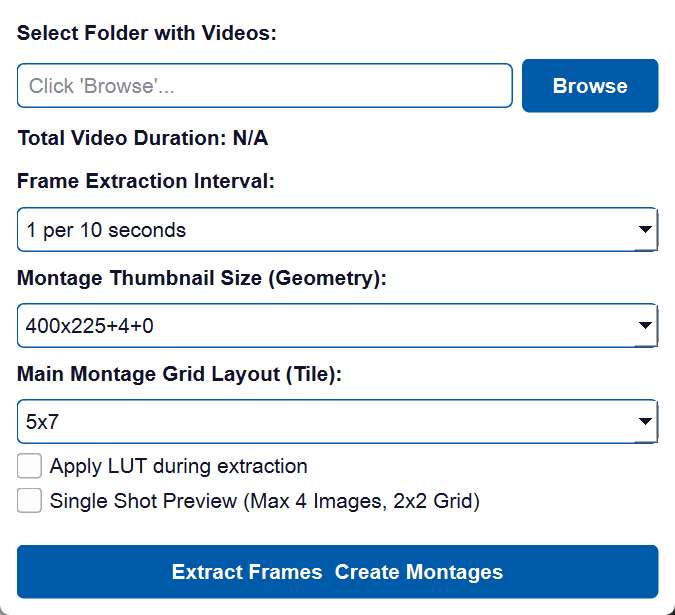
Note the ability to
- Extract frames based on a time sample
- Apply a LUT (for the Canon’s Cinemagamut colorspace)
Quick Gif-Maker
We’re constantly sharing animations back and forth for review over Asana, so I wanted a way for everyone to quickly make gifs.
You can launch the app and just drag a movie file onto it.
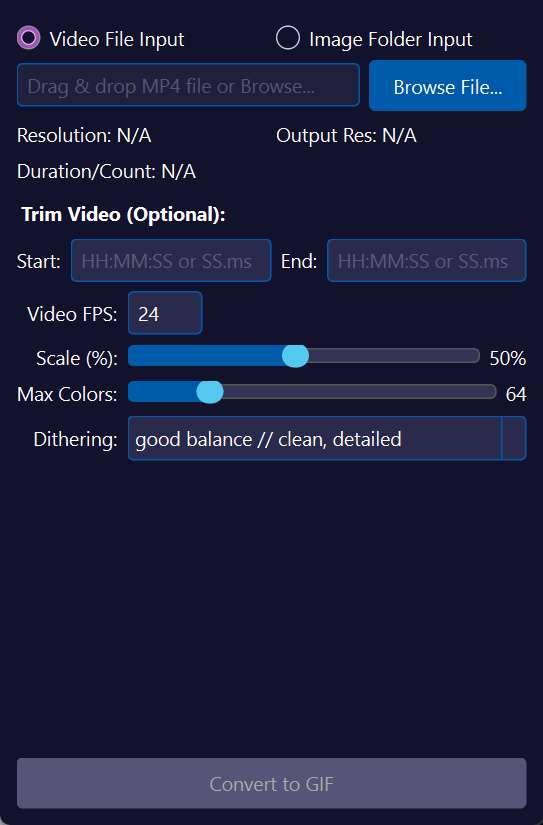
Just in case, there’s a few presets for different animation styles, but all of them leverage ImageMagick to get the sizes down to something manageable.
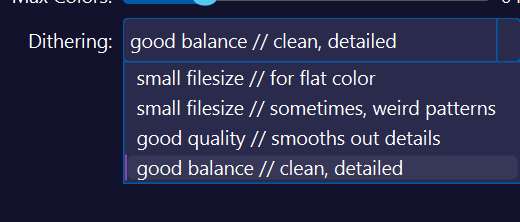
And, it’s so fast, you can just immediately generate another if it doesn’t suit your needs.